Download Serial Control Manual - Network Technologies
Transcript
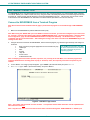
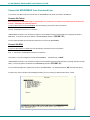
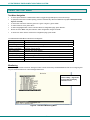
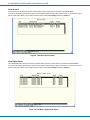
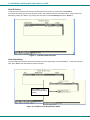
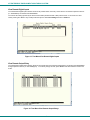
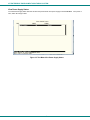
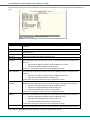
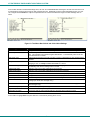
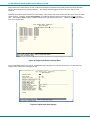
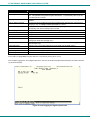
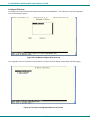
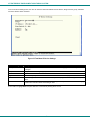
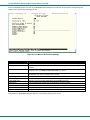
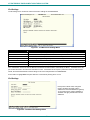
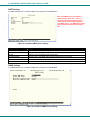
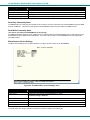
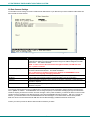
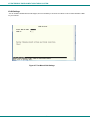
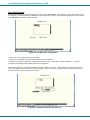
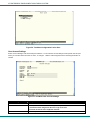
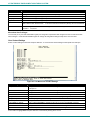
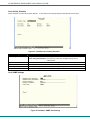
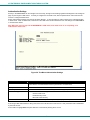
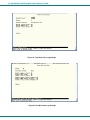
NTI ENTERPRISE ENVIRONMENT MONITORING SYSTEM From the Non-Critical or Critical Alert Settings menu, the user can enable/disable alert messages to be sent when the sensor is in an alert state and configure when and how alert messages are sent. Additionally, from the Critical Alert Settings menu, the user can configure the ENVIROMUX to capture a snapshot from an IP camera and attach the image to the alert message sent via email. Figure 19- Text Menu-Non-Critical and Critical Alert Settings Alert Settings Disable alerts Change to “Yes” to prevent alerts from being sent when this sensor’s status changes Alert Delay The alert delay is an amount of time the sensor must be in an alert condition before an alert is sent. This provides some protection against false alarms. The Alert Delay value can be set for 0-999 seconds or minutes. Notify Again Time Enter the amount of time in seconds, minutes, or hours (1-999) before an alert message will be repeated Notify on Return to Normal The user can also be notified when the sensor readings have returned to the normal range by changing to “Yes” for "Notify on return to normal" for a sensor. Auto Acknowledge Change to “Yes” to have alert notifications in the summary page return to normal state automatically when sensor readings return to normal. Enable Email Alerts Change to “Yes” to have alert notifications sent via Email Enable Syslog Alerts Change to “Yes” to have alert notifications sent via Syslog messages Enable SNMP traps Change to “Yes” to have alert notifications sent via SNMP traps (v2c) Enable SMS Alerts Change to “Yes” to have alert notifications sent via SMS (requires GSM modem) Email Subject Enter the subject to be viewed when an email alert message is received Attach IP camera capture Change to “Yes” to enable a snapshot to be taken from an IP camera and attached to the alert message (for critical alert messages only.) Selected IP camera Select which IP camera to take a snapshot from to be attached to an alert message (for critical alert messages only) Associated output relay Choose which output relay to change state when sensor is in alert Output relay on alert Choose the state the output relay should be in when the sensor is in alert Output relay on return Choose the state the output relay should be in when the sensor returns to normal Press <Tab> to highlight Save and press <Enter> to save before pressing <Esc> to exit. 23