1
Quick Start Guide
Installing the Software on a Handheld Device
NOTE: For instructions on installing Farm Works software on a
notebook, laptop, tablet, or desktop personal computer, please see the
section Installing the Software on a Personal Computer.
To install the Farm Works Mate software on a handheld computer
please follow these instructions:
1.
Connect your handheld computing device (such as an HP
iPAQ Pocket PC) to your personal computer according to
the manufacturer’s instructions. (See the documentation
provided by the manufacturer of your handheld device.)
NOTE: If you have already established a partnership between your
handheld and desktop computer, skip this section.
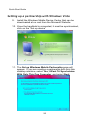
Setting up a Partnership with Windows 2000 or XP
2.
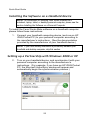
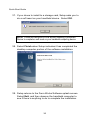
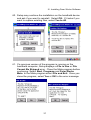
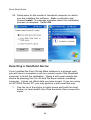
Turn on your handheld device, and synchronize it with your
personal computer according to the manufacturer’s
instructions. (For example, if you have an HP iPAQ Pocket
PC, the Microsoft ActiveSync window will appear and
automatically begin the synchronization process.)
22