1
Universal PCI Board User’s Manual
Driver Installation: Windows 2000
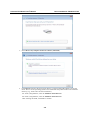
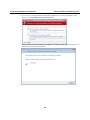
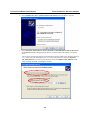
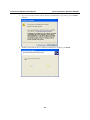
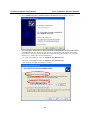
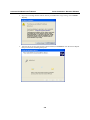
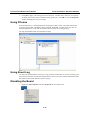
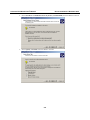
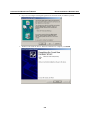
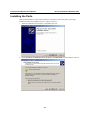
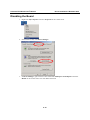
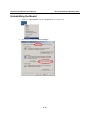
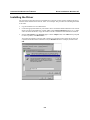
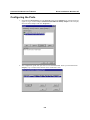
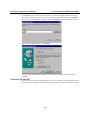
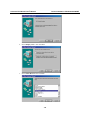
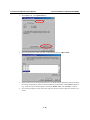
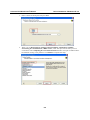
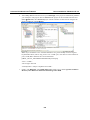
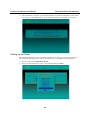
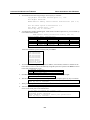
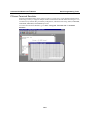
3. Select Specify a location and click Next to continue.
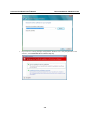
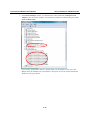
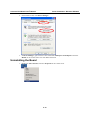
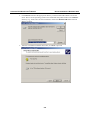
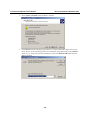
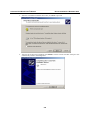
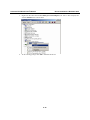
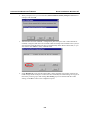
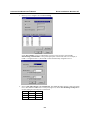
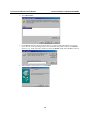
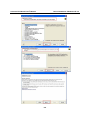
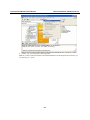
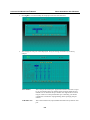
4. Click Browse and select the appropriate directory on the Document & Software CD for the
driver. Drivers for all operating systems are located under the product folder in the \Software
directory (e.g., under \CP-118U Series\Software). Select the \Windows 2K folder and click
Next to continue.
5-8