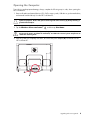
1
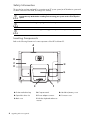
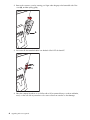
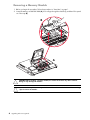
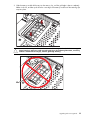
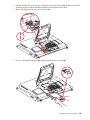
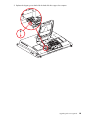
4 Remove the connector cover by inserting your finger under the gap on the bottom-left side of the
cover (A), and then pulling gently.
A
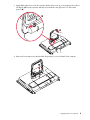
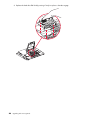
5 Disconnect all other attached cables from the back of the HP TouchSmart PC.
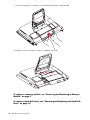
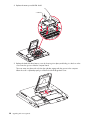
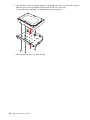
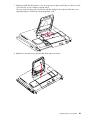
6 Place the computer face-down on a soft flat surface. HP recommends that you set down a blanket,
towel, or other soft cloth to protect the touch screen surface from scratches or other damage.
4
Upgrading and Servicing Guide