1
Replacing a Hard Disk Drive
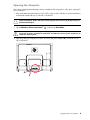
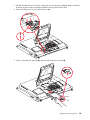
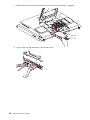
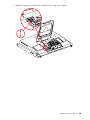
1 If necessary, remove the hard disk drive. See “Removing the Hard Disk Drive” on page 14.
CAUTION: Take care when handling a hard disk drive. Do not bang or shake it. It can be easily
damaged.
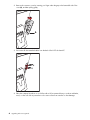
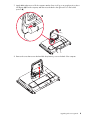
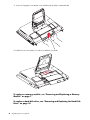
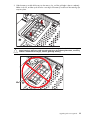
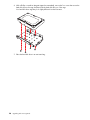
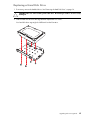
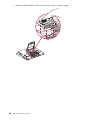
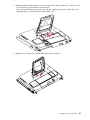
2 Slide the hard disk drive into the cage and then replace the four screws.
Your hard disk drive cage might look different from the illustration.
Upgrading and Servicing Guide
17