1
i
Gal
aI
WP808User
’
sManual
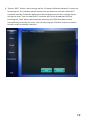
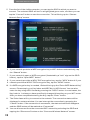
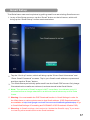
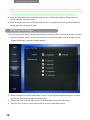
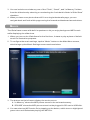
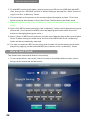
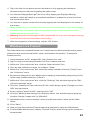
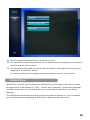
5. To add MP3 music to the frame, please insert your SD card or USB disk with MP3
f
i
l
es,t
hengot
he“
SD/
USB”scr
eeni
n“
Musi
cSet
t
i
ngs”andt
apt
he“
Save”but
t
ont
o
copyi
ti
nt
ot
he“
I
nMemor
y”f
ol
der
.
6. The scroll bar on the bottom of the screen adjusts the speak volume. This is the
same scroll bar that shows on the lower Photo Toolbar during the slide show.
7. Note: Onl
yMP3pi
ecesi
nt
he“
I
nMemor
y”f
ol
dercanbepl
ayeddur
i
ngt
hesl
i
de
show.
8. Not
e:Onl
yMP3pi
ecessel
ect
edi
nt
he“
I
nMemor
y”f
ol
dercanbepl
ayeddur
i
ngt
he
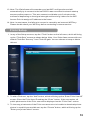
slide show. (You can select a MP3 piece by tapping the button which turns the
button to the highlighted green color.)
9. Note: If there is MP3 music selected, and the user taps the play button on the lower
Phot
oTool
bardur
i
ngt
hesl
i
deshow,t
hef
i
r
stoft
heMP3f
i
l
esi
nt
he“
I
nMemor
y”
folder will be automatically selected.
10. You can un-select an MP3 music piece and exclude it from the background music
pl
ayl
i
stbyt
appi
ngont
hesel
ect
edMP3pi
ecebut
t
oni
nt
he“
I
nMemor
y”f
ol
der
.
Alarm and Clock
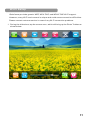
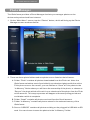
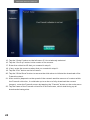
The iGala frame comes with Alarm functionality.
1. Tosetupt
heAl
ar
m,t
apont
he“
Al
ar
m”but
t
onont
henMai
nMenuscr
een,whi
ch
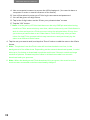
brings up the screen as shown below:
22