1
Problem Solving
Xerox 700 Digital Color Press
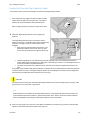
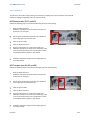
Bottom Left Cover Jam Clearance
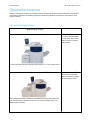
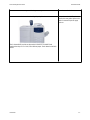
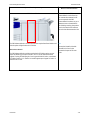
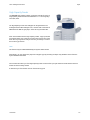
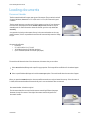
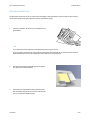
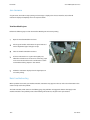
This section describes how to clear paper jams that occur inside the Bottom Left Cover.
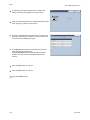
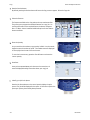
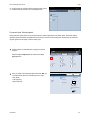
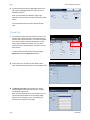
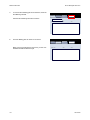
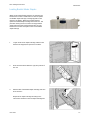
1.
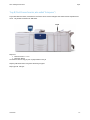
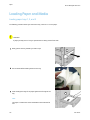
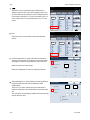
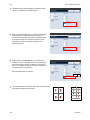
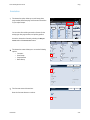
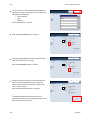
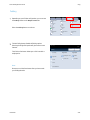
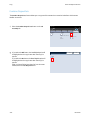
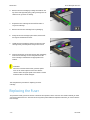
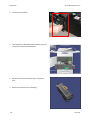
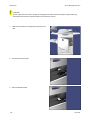
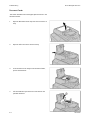
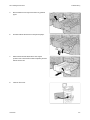
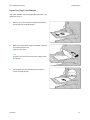
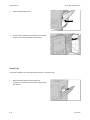
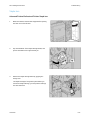
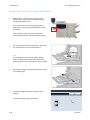
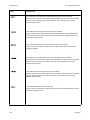
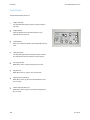
If Tray 6 is installed, gently move Tray 6 to the left until
it stops.
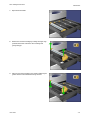
Gently open the Bottom Left Cover while gripping the
release handle.
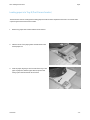
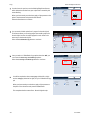
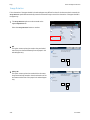
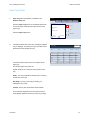
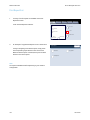
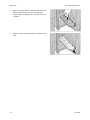
2.
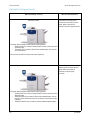
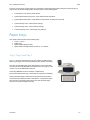
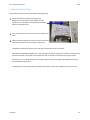
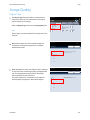
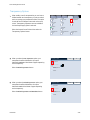
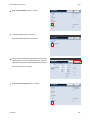
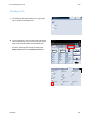
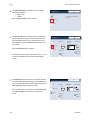
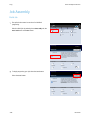
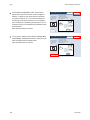
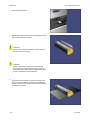
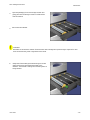
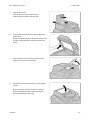
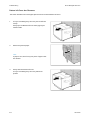
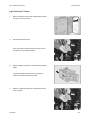
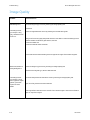
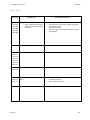
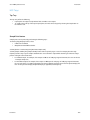
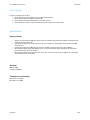
Remove the jammed paper.
Note
If paper is torn, check for any torn pieces of paper inside
the machine.
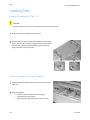
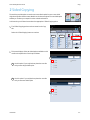
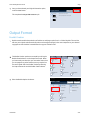
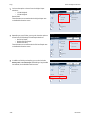
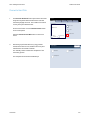
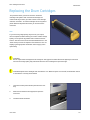
3.
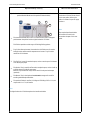
8-8
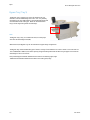
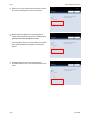
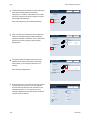
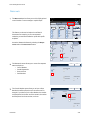
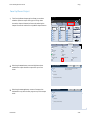
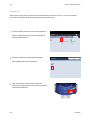
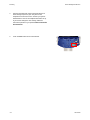
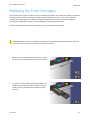
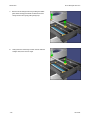
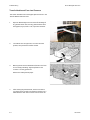
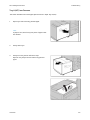
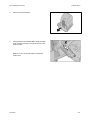
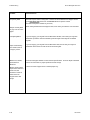
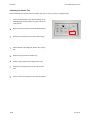
Gently close the Bottom Left Cover.
If Tray 6 is installed, gently move Tray 6 back into
position.
User Guide