1
Setting General Preferences
Setting General Preferences
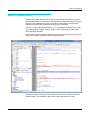
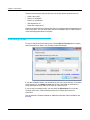
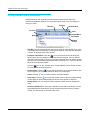
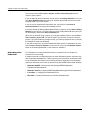
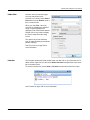
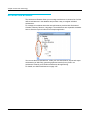
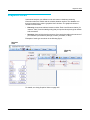
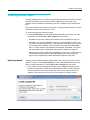
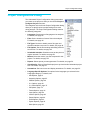
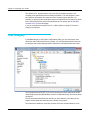
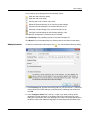
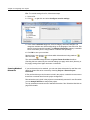
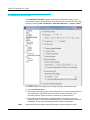
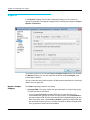
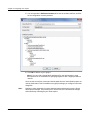
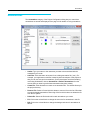
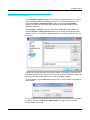
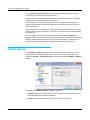
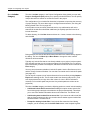
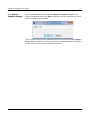
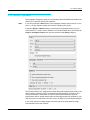
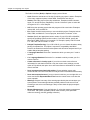
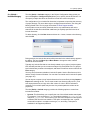
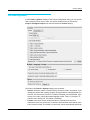
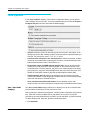
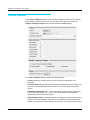
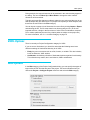
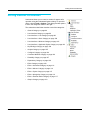
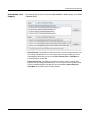
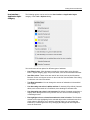
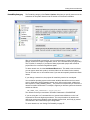
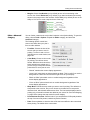
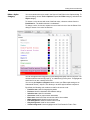
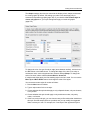
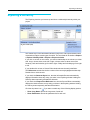
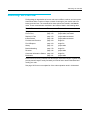
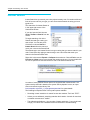
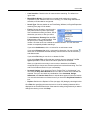
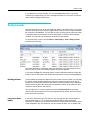
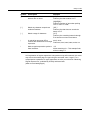
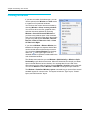
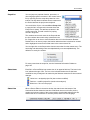
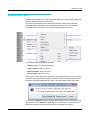
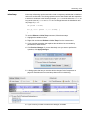
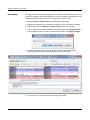
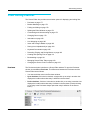
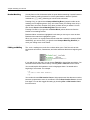
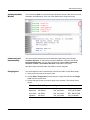
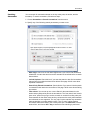
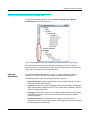
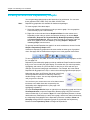
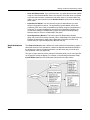
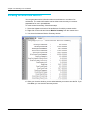
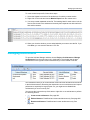
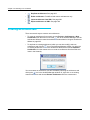
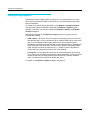
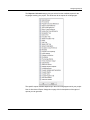
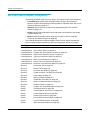
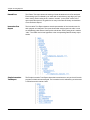
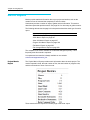
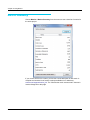
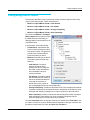
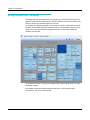
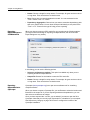
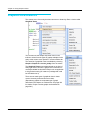
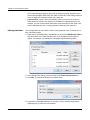
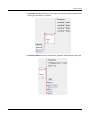
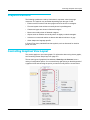
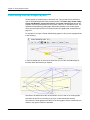
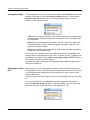
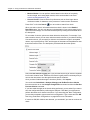
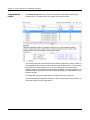
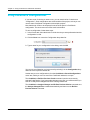
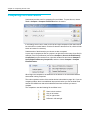
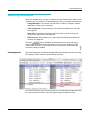
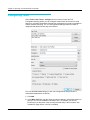
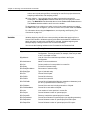
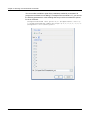
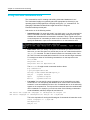
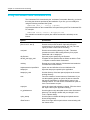
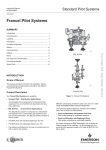
Understand allows you to control a number of aspects of its
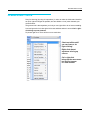
operation using the Understand Options dialog. To open this
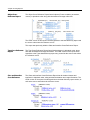
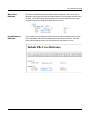
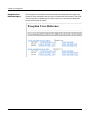
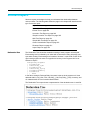
dialog, choose Tools > Options. This dialog provides options
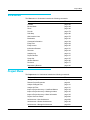
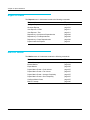
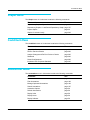
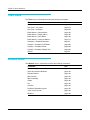
to set in the categories shown to the right:
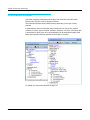
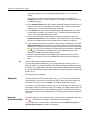
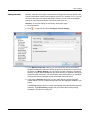
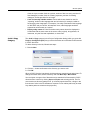
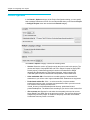
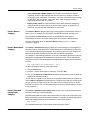
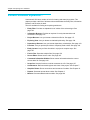
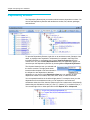
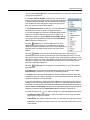
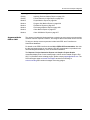
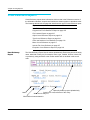
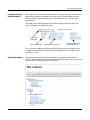
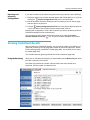
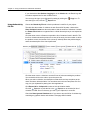
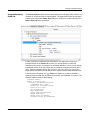
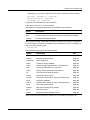
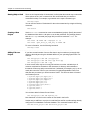
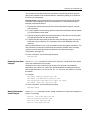
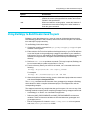
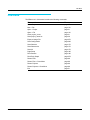
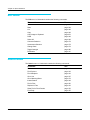
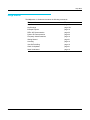
The subsections that follow describe each of the categories:
•
General Category on page 96
•
User Interface Category on page 98
•
User Interface > Lists Category on page 99
•
User Interface > Alerts Category on page 100
•
User Interface > Windows Category on page 101
•
User Interface > Application Styles Category on page 103
•
Key Bindings Category on page 104
•
Analyze Category on page 105
•
Configure Category on page 106
•
Command Window Category on page 106
•
Portability Category on page 107
•
Dependency Category on page 108
•
Editor Category on page 109
•
Editor > Advanced Category on page 111
•
Editor > Macros Category on page 114
•
Editor > Styles Category on page 115
•
Editor > Navigation Category on page 116
•
Editor > External Editor Category on page 117
•
Graphs Category on page 118
Understand 4.0 User Guide and Reference Manual
95