1
Managing Your MiFi M100
After you have charged your MiFi M100, turned it on, and connected devices, you can use MiFi M100
software to monitor usage, change passwords, and set preferences and other options. There are two
ways to do this:
•• The MiFi M100 Web UI is accessed through a web browser on a computer, laptop, or other
device. It is a full configuration interface, offering you the most tools and options for
managing your MiFi M100.
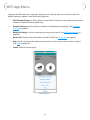
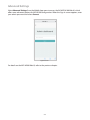
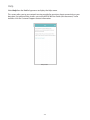
•• The MiFi App is an app you can download to a mobile device, such as a phone or tablet. You
can use it to view signal strength, battery power, data usage, connected devices, as well as
view and change your password, turn roaming on and off, and view device information.
Both these software interfaces are covered in the next two chapters.
16