1
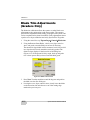
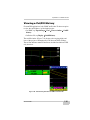
Checking the Blade’s Position
Checking the Blade’s Position
The position check option provides a daily benchmarking tool to
verify that the calculated elevation and position are repeatable.
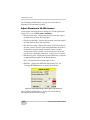
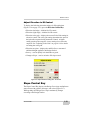
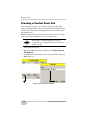
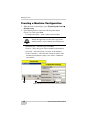
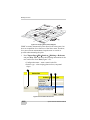
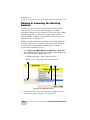
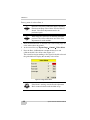
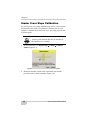
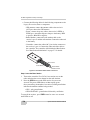
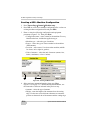
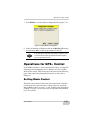
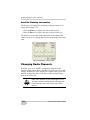
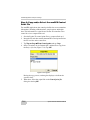
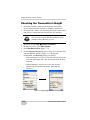
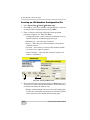
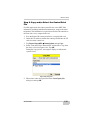
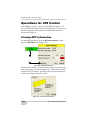
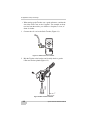
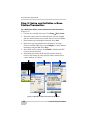
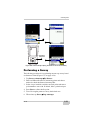
1. To check the position of the blade, press Topcon Logo Tools
Position check.
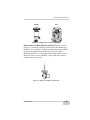
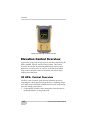
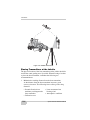
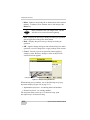
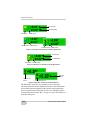
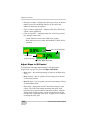
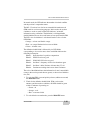
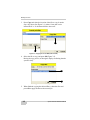
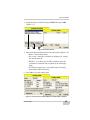
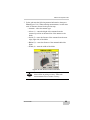
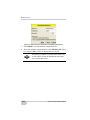
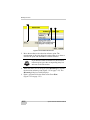
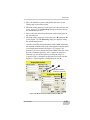
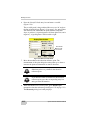
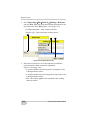
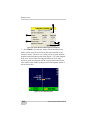
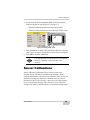
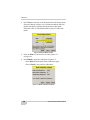
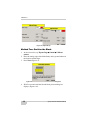
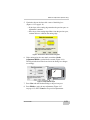
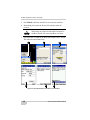
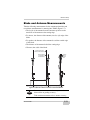
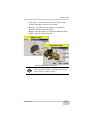
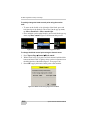
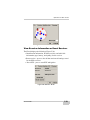
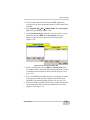
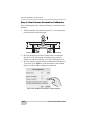
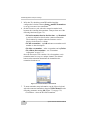
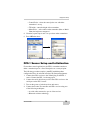
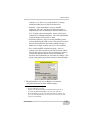
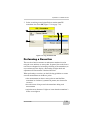
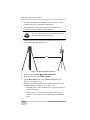
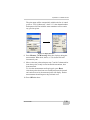
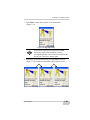
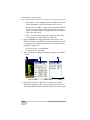
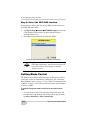
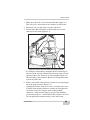
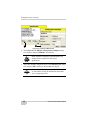
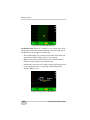
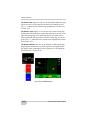
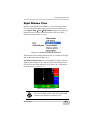
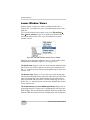
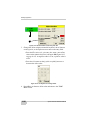
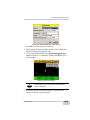
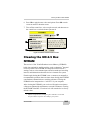
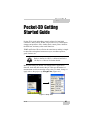
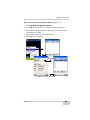
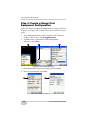
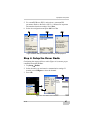
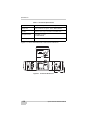
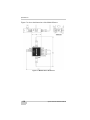
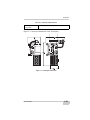
2. Select the Point of interest (either left edge or right edge of
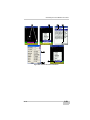
blade), and press Measure (Figure 10-20); the Measuring dialog
box displays during measurement.
2a
2b
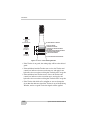
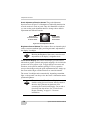
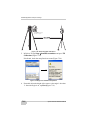
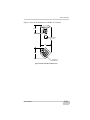
Figure 10-20. Select Point of Interest and Press Measure
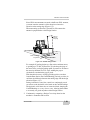
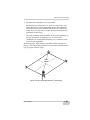
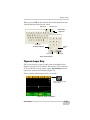
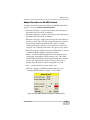
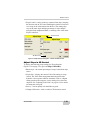
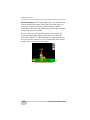
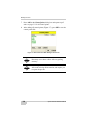
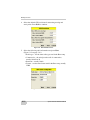
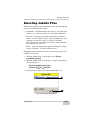
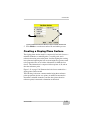
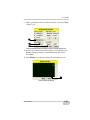
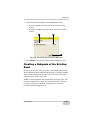
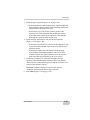
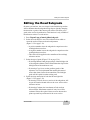
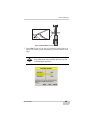
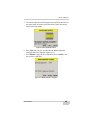
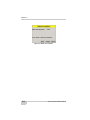
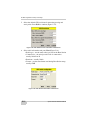
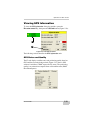
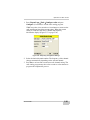
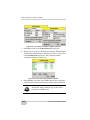
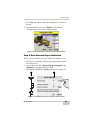
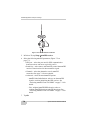
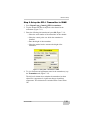
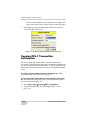
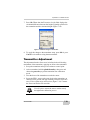
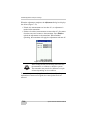
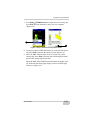
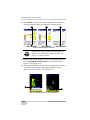
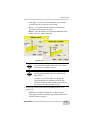
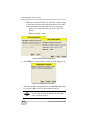
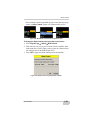
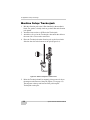
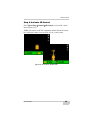
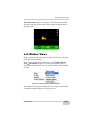
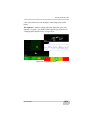
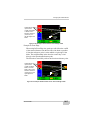
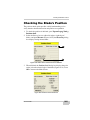
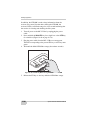
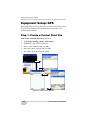
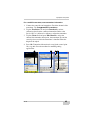
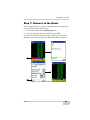
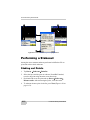
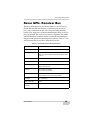
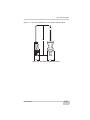
3. When finished, the Position check dialog box displays the point
on the job at the selected edge of the blade (Figure 10-21). Press
OK to return to the Main Screen.
Figure 10-21. Position of Point of Interest
P/N 7010-0491
10-21