1
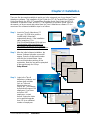
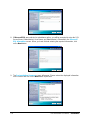
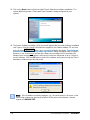
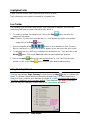
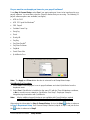
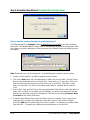
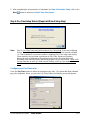
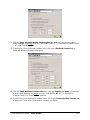
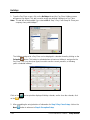
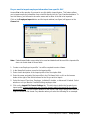
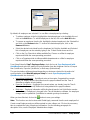
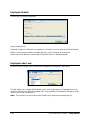
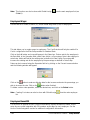
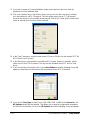
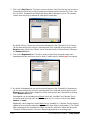
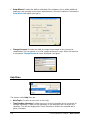
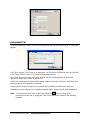
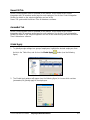
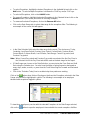
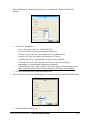
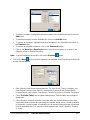
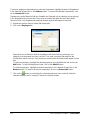
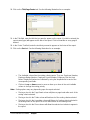
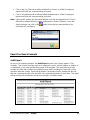
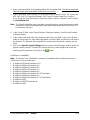
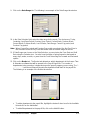
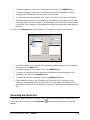
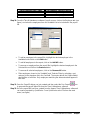
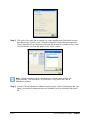
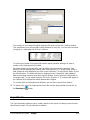
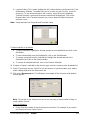
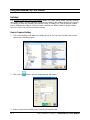
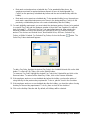
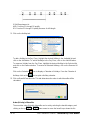
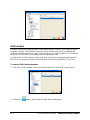
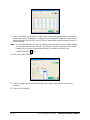
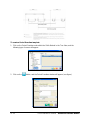
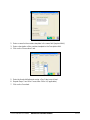
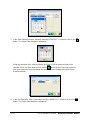
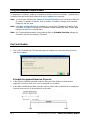
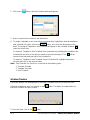
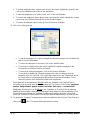
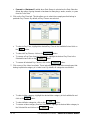
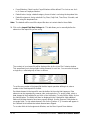
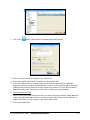
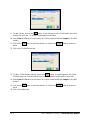
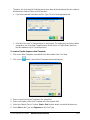
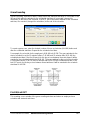
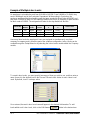
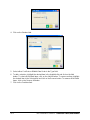
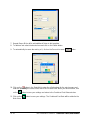
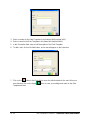
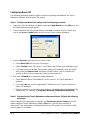
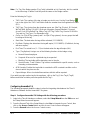
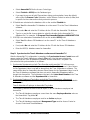
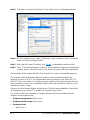
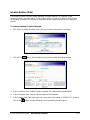
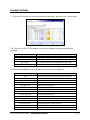
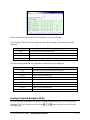
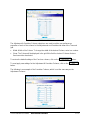
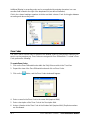
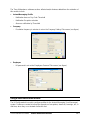
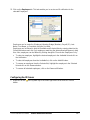
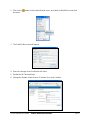
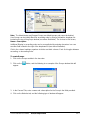
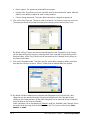
10. The QuickBooks Direct Integration screen will appear. Please review the displayed
information on the screen and click on the Next button to proceed.
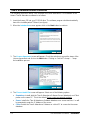
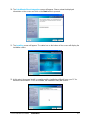
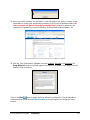
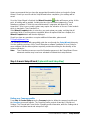
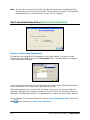
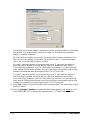
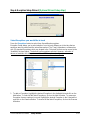
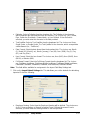
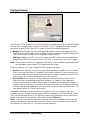
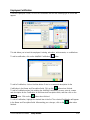
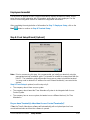
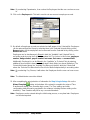
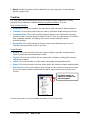
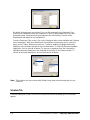
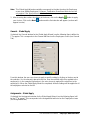
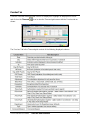
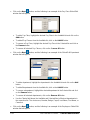
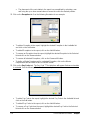
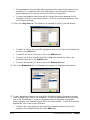
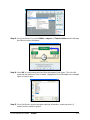
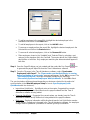
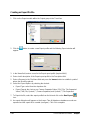
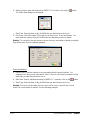
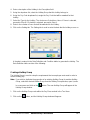
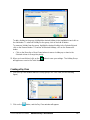
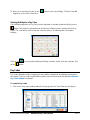
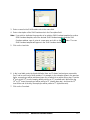
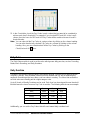
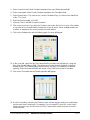
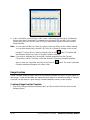
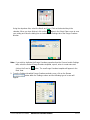
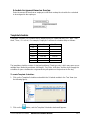
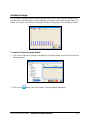
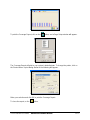
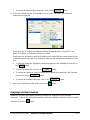
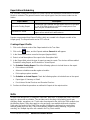
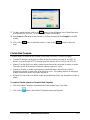
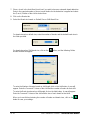
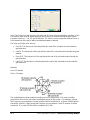
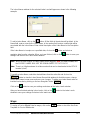
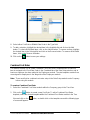
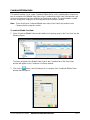
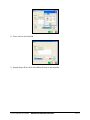
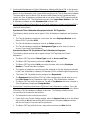
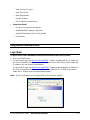
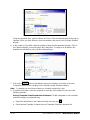
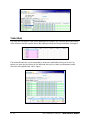
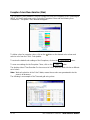
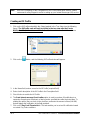
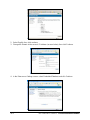
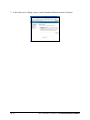
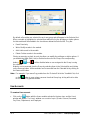
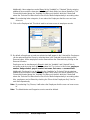
11. The Installing screen will appear. The status bar on the bottom of the screen will display the
installation status.
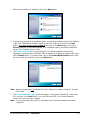
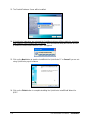
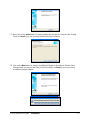
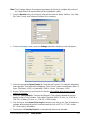
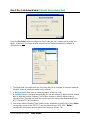
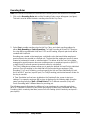
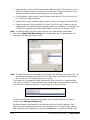
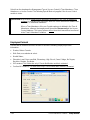
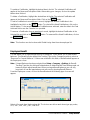
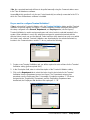
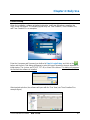
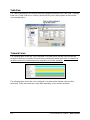
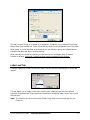
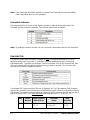
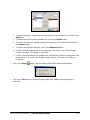
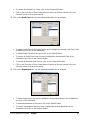
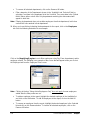
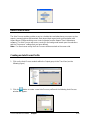
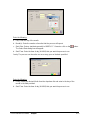
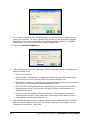
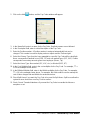
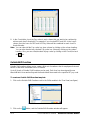
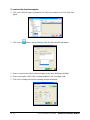
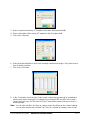
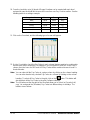
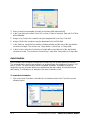
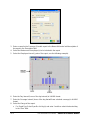
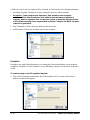
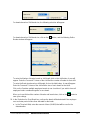
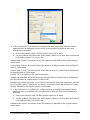
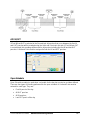
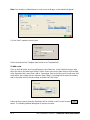
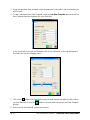
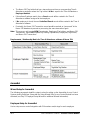
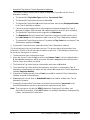
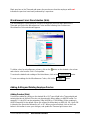
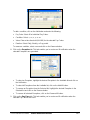
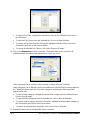
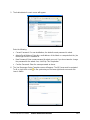
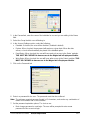
12. At this point, the general install is complete and the installation utility will scan your PC for
Adobe Acrobat Reader®. If it is not installed, the installation utility will install it.
Time & Attendance Software – Installation
2-5