1
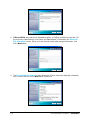
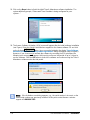
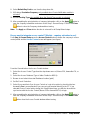
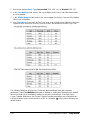
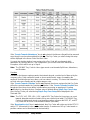
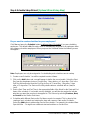
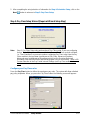
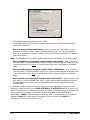
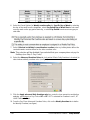
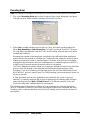
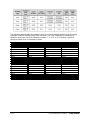
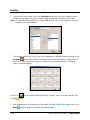
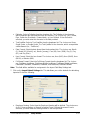
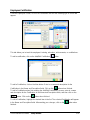
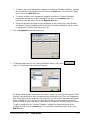
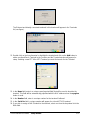
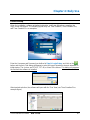
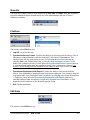
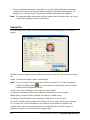
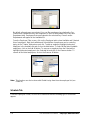
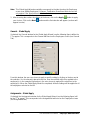
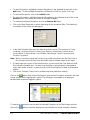
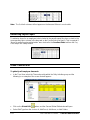
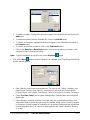
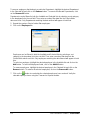
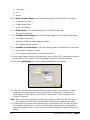
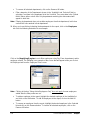
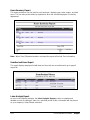
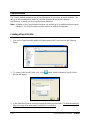
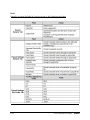
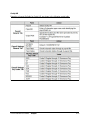
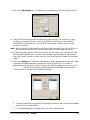
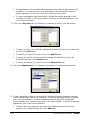
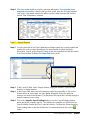
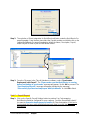
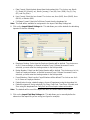
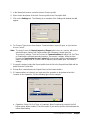
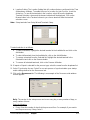
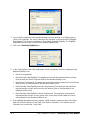
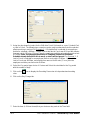
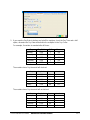
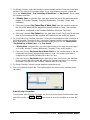
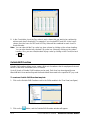
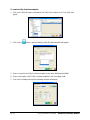
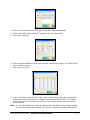
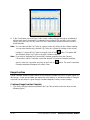
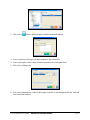
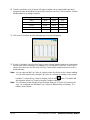
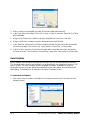
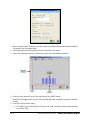
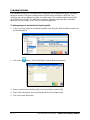
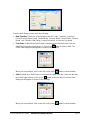
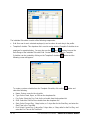
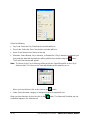
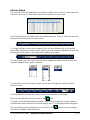
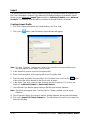
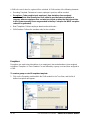
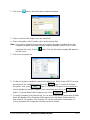
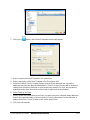
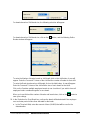
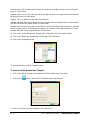
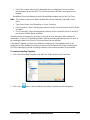
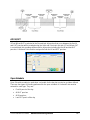
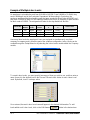
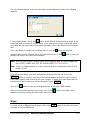
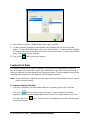
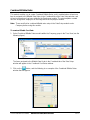
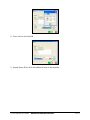
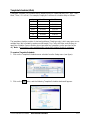
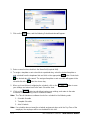
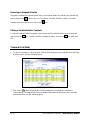
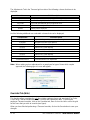
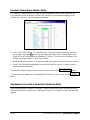
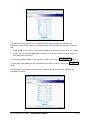
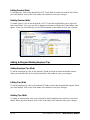
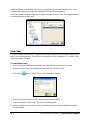
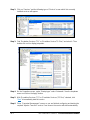
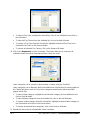
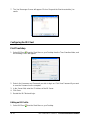
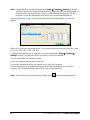
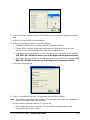
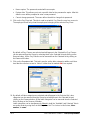
To enter the Number of breaks based on shift length click on the Add button. A row will
appear. Enter the From and To times of the shift and the number of breaks for that shift.
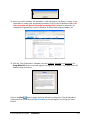
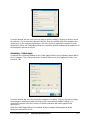
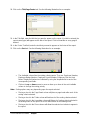
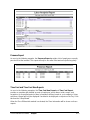
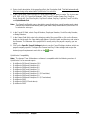
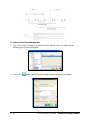
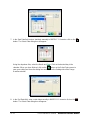
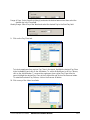
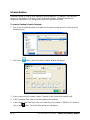
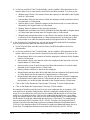
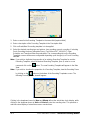
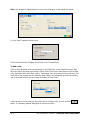
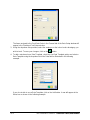
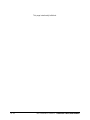
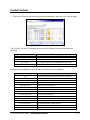
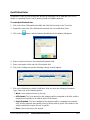
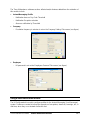
To enter the Break size based on shift length click on the Add button. A row will appear.
Enter the From and To times of the shift and the size of each breaks for that shift.
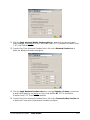
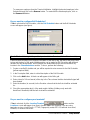
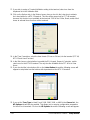
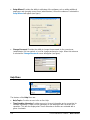
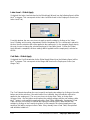
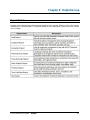
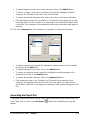
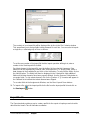
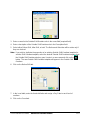
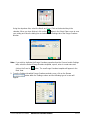
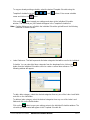
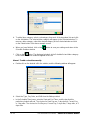
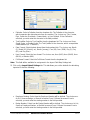
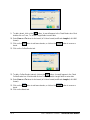
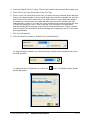
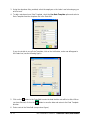
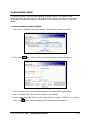
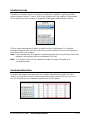
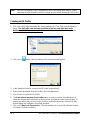
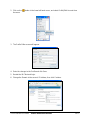
Click on the Combine multiple employee breaks to one check box if you wish to have all
employee breaks combined together as one break.
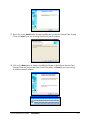
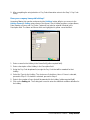
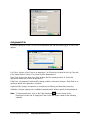
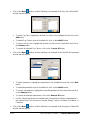
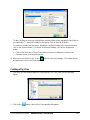
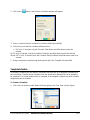
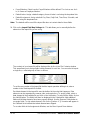
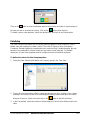
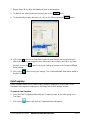
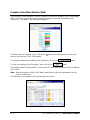
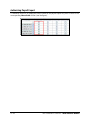
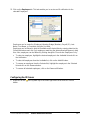
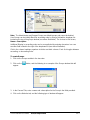
When you have finished defining the number of breaks and break sizes, click on the
button to save your settings.
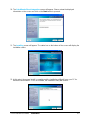
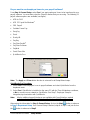
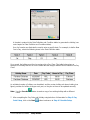
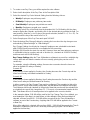
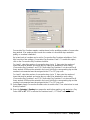
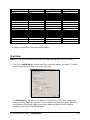
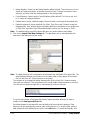
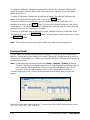
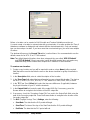
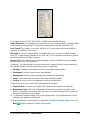
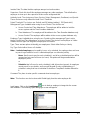
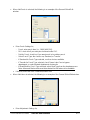
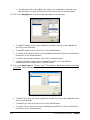
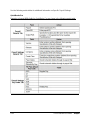
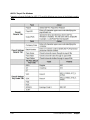
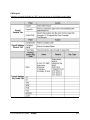
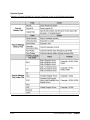
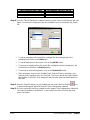
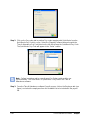
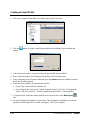
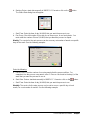
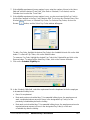
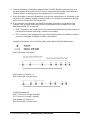
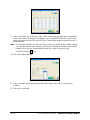
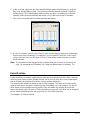
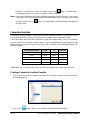
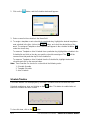
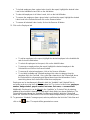
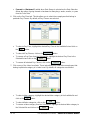
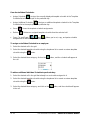
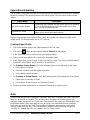
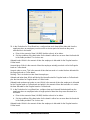
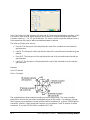
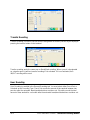
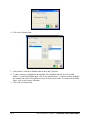
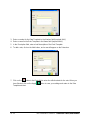
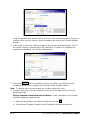
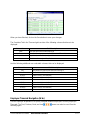
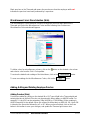
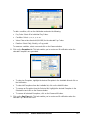
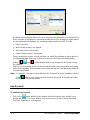
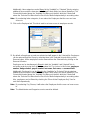
9. In the “Deduction for short break” box, configure how much time will be deducted from the
employee when an employee punches out for a shorter period of time than they were
allocated in the break:
a. Enter in the amount of Threshold time (HH:MM) before the action is to be taken.
b. Set the conditions if the time taken for the break is either less or more than the threshold
in the fields provided. The choices are:
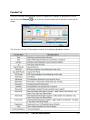
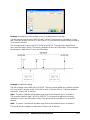
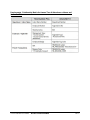
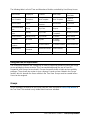
Allowed break: Which is the amount of time the employee is allocated for the Regular break or
Coffee break.
Amount taken: Which is the amount of time the employee actually punched out for the Regular
break or Coffee break.
Amount under or over: This is the amount of time that exceeds or is under the time allocated for
the Regular break or Coffee break.
Nothing: This is to deduct no time from the employee.
Allowed break and taken time: Which will deduct the time allocated for Regular break or Coffee
break plus the time taken for Regular break or Coffee break.
Allowed break and amount under or over: Which is the amount of time the employee is allocated
for the Regular break or Coffee break and which is the amount of time that exceeds or is under
the time allocated for the Regular break or Coffee break.
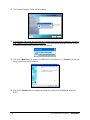
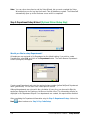
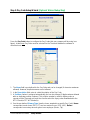
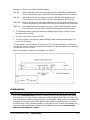
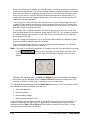
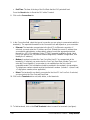
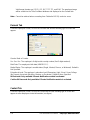
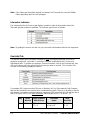
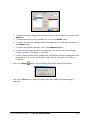
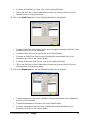
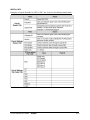
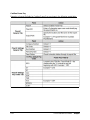
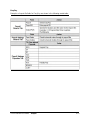
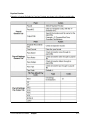
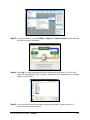
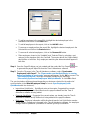
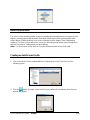
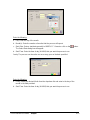
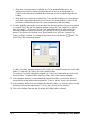
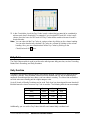
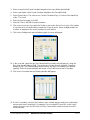
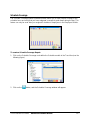
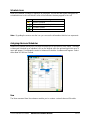
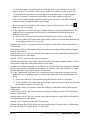
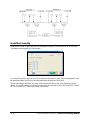
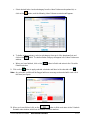
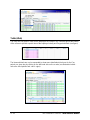
10. In the “Deduction for long break” box, configure how much time will be deducted from the
employee when an employee takes a longer period of time than they were allocated in the
break:
a. Enter in the amount of Threshold time (HH:MM) before the action is to be taken.
b. Set the conditions if the time taken for the break is both less and more than the threshold
in the fields provided. The choices are:
Allowed break: Which is the amount of time the employee is allocated for the Regular break or
Coffee break.
Amount taken: Which is the amount of time the employee actually punched out for the Regular
break or Coffee break.
Amount under or over: This is the amount of time that exceeds or is under the time allocated for
the Regular break or Coffee break.
Nothing: This is to deduct no time from the employee.
Allowed and taken time: Which will deduct the time allocated for Regular break or Coffee break
plus the time taken for Regular break or Coffee break.
13-14
Time & Attendance Software – Advanced Meal Module