1
117
3
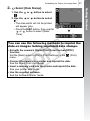
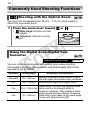
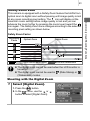
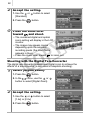
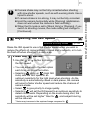
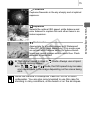
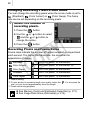
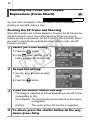
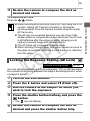
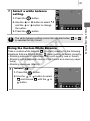
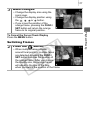
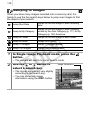
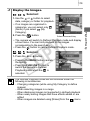
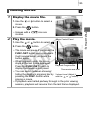
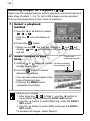
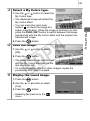
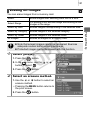
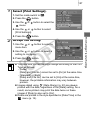
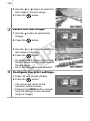
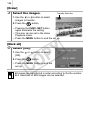
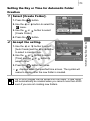
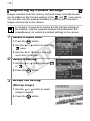
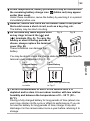
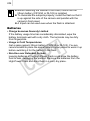
Make changes.
• Change the display size using the
zoom lever.
• Change the display position using
the , ,
or
button.
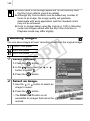
• If you move the position of the
orange frame, pressing the FUNC./
SET button will return the orange
frame to its original position.
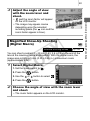
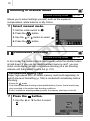
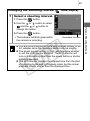
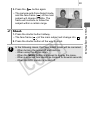
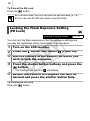
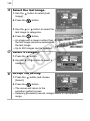
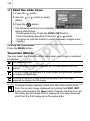
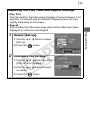
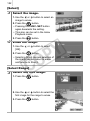
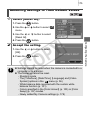
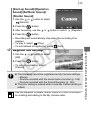
Switching Frames
2
Press the
Y
P
O
button.
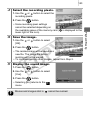
• When multiple frames display
around focal points or multiple faces
are detected, pressing the FUNC./
SET button switches the position of
the orange frame. After you change
the display size, the orange frame
will adjust to the size of the face
when you switch the position of the frame.
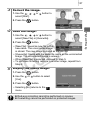
C
Playback/Erasing
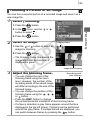
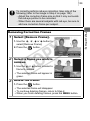
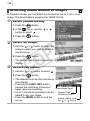
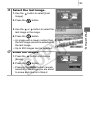
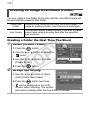
To Cancel the Focus Check Display
Press the MENU button.