1
Control and configuration
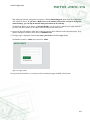
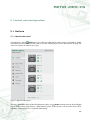
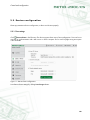
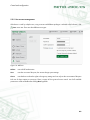
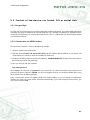
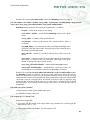
All outlets can be controlled at once by means of two icons at the page bottom. Depending on current outlet state,
it is possible either to power off or power on all outlets and also to restart them.
5.1.2. General outlet settings
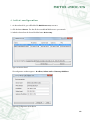
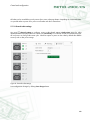
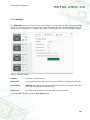
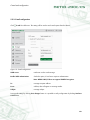
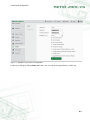
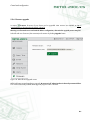
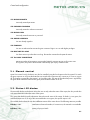
Use panel
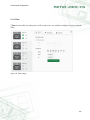
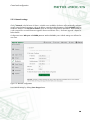
General settings to configure various outlet related settings. Outlet name serves for outlet
identification and is displayed above its control icons. Reset delay is a number of seconds to wait between power
off and power on during outlet restart cycle. Check last option to power on the outlet by default after NETIO
starts up such as after power outage.
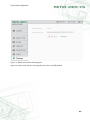
Figure 8. General outlet settings
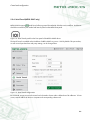
Save configuration changes by clicking Save changes button.
15