1
Schedule Views
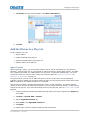
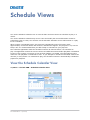
You use the Schedule Calendar view to view the date and time content is scheduled to play in a
month.
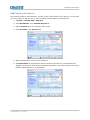
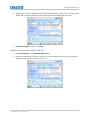
You use the Schedule Calendar Day View to view and modify the time and duration content is
scheduled to play in a day. You can also use the Schedule Calendar View to add content or a play
list to a schedule.
When content is scheduled to play, the projector automatically enters full power mode
approximately 45 minutes before the content is scheduled to appear. The projector is on, but the
lamp is off. It is recommended that you add a lamp on command to your play lists.
The scheduler application loads the scheduled content 30 minutes before it is scheduled to
play. The application verifies the correct content is loaded two minutes before playback is scheduled
to start. If the content is incorrect or has not been loaded, it is loaded. The verification process
continues until playback is scheduled to start. If you attempt to unload the scheduled content two
minutes (or less) before it is scheduled to play, the scheduled content is automatically reloaded to
prepare for playback.
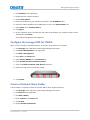
View the Schedule Calendar View
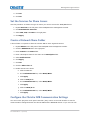
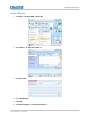
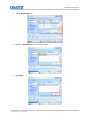
Tap Menu > Christie IMB > Schedule Calendar View.
Christie Integrated Media Block User Manual
020-100845-09 Rev. 1 (04-2015)
83