1
10.
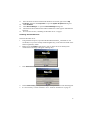
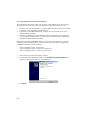
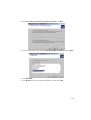
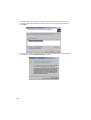
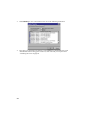
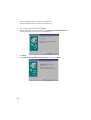
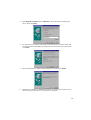
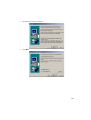
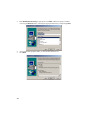
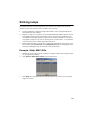
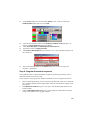
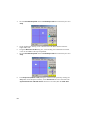
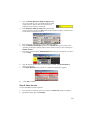
Windows will now install the driver. Check the finishing dialog identifies the device
correctly.
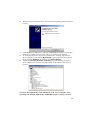
Click Finish and if additional LightJockey USB/DMX interfaces are present then
repeat this procedure from step 2 until a driver for each has been installed.
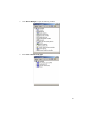
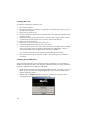
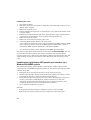
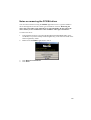
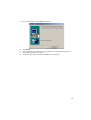
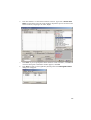
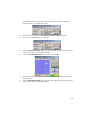
12. To ensure that the drivers are properly installed and in working order open the
device manager by right-clicking My Computer, select properties from the popup
menu. Select the Hardware tab and then click Device Manager.
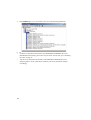
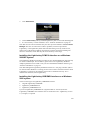
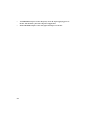
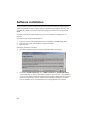
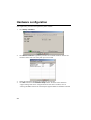
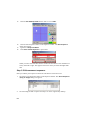
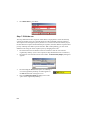
13. Expand the Universal Serial Bus Controllers entry and check that the correct
driver is displayed (without an exclamation mark, as this indicates that there is a
problem.
11.
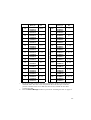
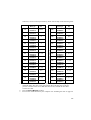
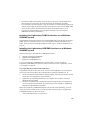
To ensure that LightJockey routes DMX data to the correct interface when
operating with multiple LightJockey USB/DMX interfaces, always connect:
21