1
ECOTRONS LLC
EcoCAL- User Manual
We have a compromise to do this: only make certain critical calibration maps as
"on-the-fly" capable. And most other non-critical calibrations, which are seldom changed
by customers, stay the old way.
Mainly for most customers, the calibrations that need to be tuned for their engines
are basic Fuel maps (VE table, TPS-load table), Spark maps, and some supplemental
fuel/spark characteristic curves.
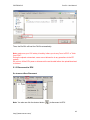
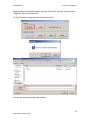
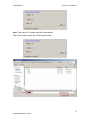
You can also use "Save as" feature at "File" menu to save your new calibrations to
a new CAL file. And later on load it into ProCAL.
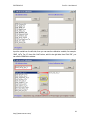
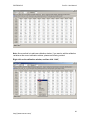
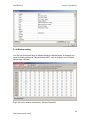
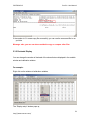
At this moment the below calibration maps, curves, and values are made "on-thefly" capable:
RAM_MAP_LdTp_N_Tps; RAM_MAP_fVe_Map_N; RAM_MAP_Iga_N_Ld
RAM_CUR_fAst_TmSta; RAM_CUR_fWmp_Tm; RAM_VAL_fFlApp
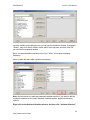
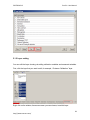
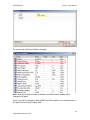
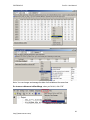
You can add the calibration variables in EcoCAL.
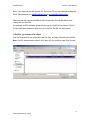
3.4 Save as calibration data file
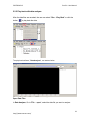
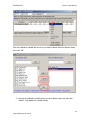
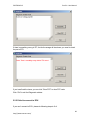
When you finish EFI tuning or do some fine tuning, please save the tuning data before
you exit the EcoCAL, otherwise, you will lost the tuning that you did.
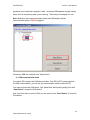
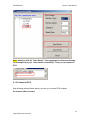
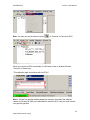
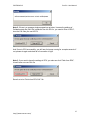
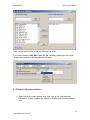
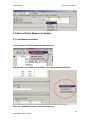
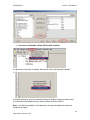
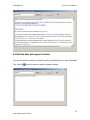
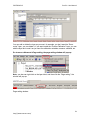
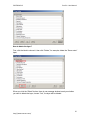
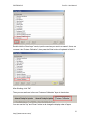
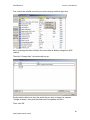
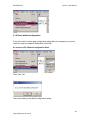
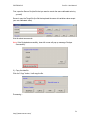
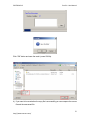
Go to menu->File->Save as
48
http://www.ecotrons.com/