1
FlightAssistant User Guide
Doc v2.20
The home page
Access:
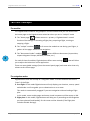
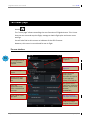
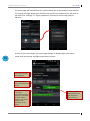
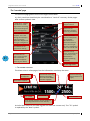
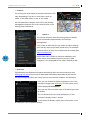
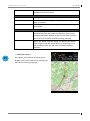
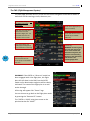
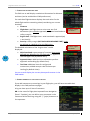
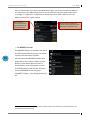
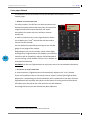
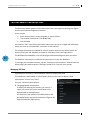
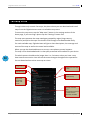
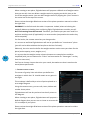
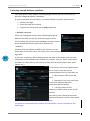
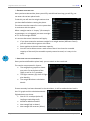
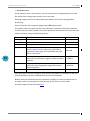
The "home page" allows controlling the core functions of FlightAssistant. This is here
that you can start and stop the flight, manage or load a flight plan and access most
settings.
You will also find on this screen an indicator of the GPS fix status.
However, this screen is not tailored for use in flight.
The user interface
15
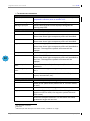
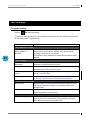
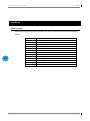
Load a flight plan that
you have created or
imported.
Start or stop the
navigation
Deactivate the current
flight plan
Access the cockpit
screens
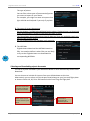
Manage planes, their
performances, W&B
data
Browse document
binder (access
documents for airports
in your flight plan,
nearby, or via look up)
Access the
FlightAssistant map
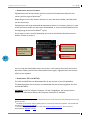
"store" and download
free maps
Manage document
subscription, download
AIP data, airport charts,
NOTAMs,
TAF&METARs,
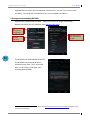
Create, edit or import
flight plans
Manage maps (both
own maps and loaded)
Perform a pre flight
weight & balance check
FlightAssistant v1.0.5
Page 15/69