1
38
SymDec 16 plus 4
User Manual
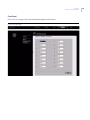
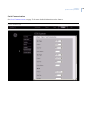
Alarm Input
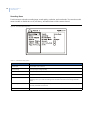
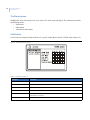
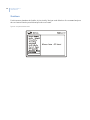
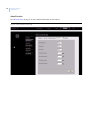
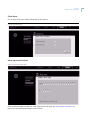
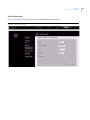
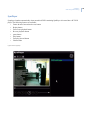
Use this menu to connect 1 or more alarm inputs to the currently selected camera. Press the enter button to
enter the edit mode. Select from alarm inputs 1-16 and IP alarms 1-4. You can also enable or disable video loss,
fullscreen alarm, and indicator here. When video loss is enabled it will be reported as an alarm on the selected
camera.
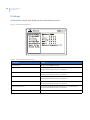
Figure 16. The Cameras/Alarm Inputs menu