1
AxiCal
Booking Types
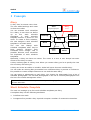
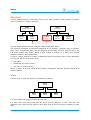
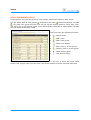
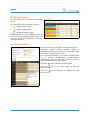
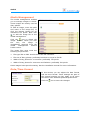
In this section you manage the booking
types.
The icons have the following function:
▪
: Add a booking type.
▪
: Edit a booking type.
▪
: Delete a booking type.
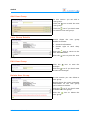
AxiCal shows up to 15 booking types. If
there are more booking types, then you
can click a link at the bottom to show a
specific selection.
Add Booking Type
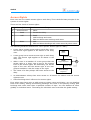
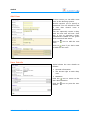
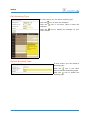
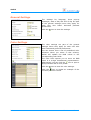
In this section you can add a new booking type.
Normally, AxiCal shows booking types in
alphabetical order. You can control the view order
by setting a specific order value.
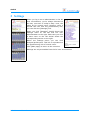
The color field expects you to enter an RGB value
in
a
6-digit
hexadecimal
representation.
Alternatively you can click the
icon to open a
popup window with a color picker.
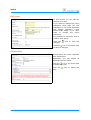
Click the
icon to add the booking type.
Click the
icon if you don't want to add the
booking type.
Click the
icon to display an example of your
color choice.
Administrator Manual
21