1
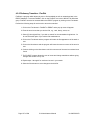
Adding a Card
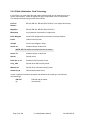
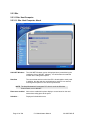
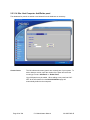
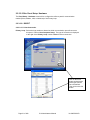
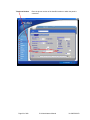
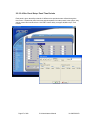
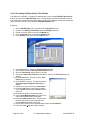
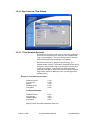
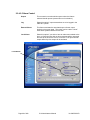
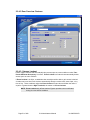
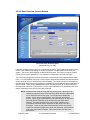
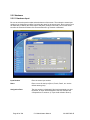
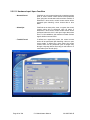
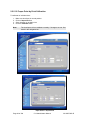
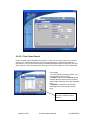
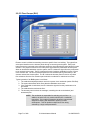
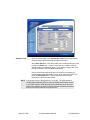
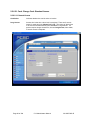
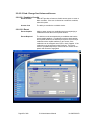
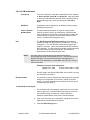
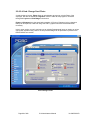
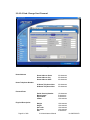
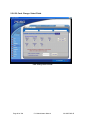
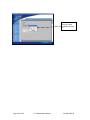
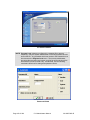
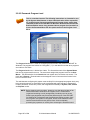
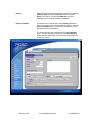
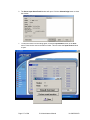
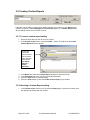
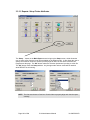
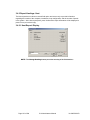
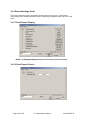
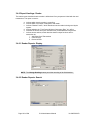
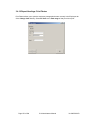
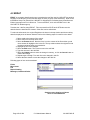
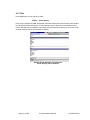
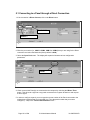
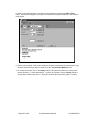
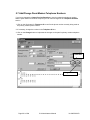
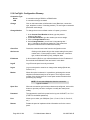
Enter the card number in the Add Card(s) number block including the
ability to add groups of cards with the same information.
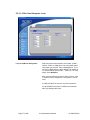
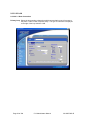
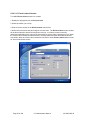
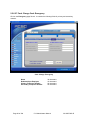
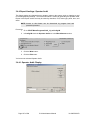
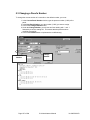
At the Start Add block, enter the number of the cardholder that you wish
to add in the from block. If there is more than one addition, enter the
ending number in the to block below. If only adding a single card, enter
the same number in both the from and to boxes.
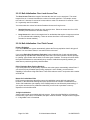
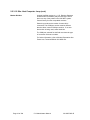
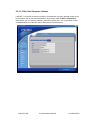
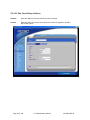
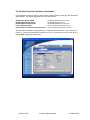
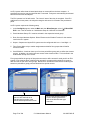
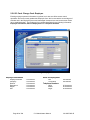
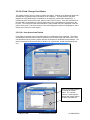
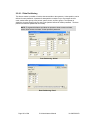
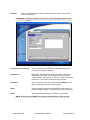
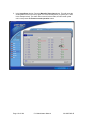
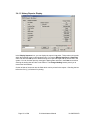
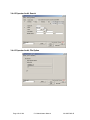
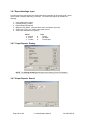
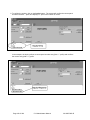
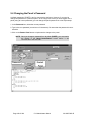
If there are common fields in the group of cards you are adding (i.e.
Normal Access, Expiration date), you can enter information before you
press the Start Add button. This will enter the same common
information to all cards being added.
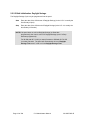
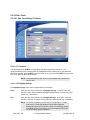
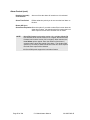
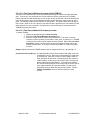
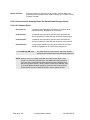
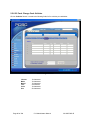
NOTE Card numbers can be assigned from 1 to 65,000. The total number of
cards assigned depends upon the memory card(s) and firmware version
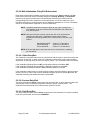
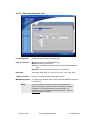
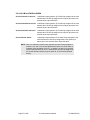
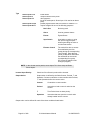
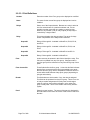
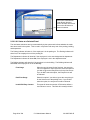
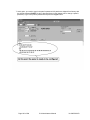
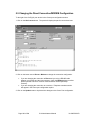
in your panel system. Under Normal access conditions, check the Card
active box to activate the card. If a person requires extended access time
through a doorway, select the Long access box.
Page 75 of 206
5.14 Administrator Manual
38-10055-002-D