1
Ellipse Plus Range –Operator’s Manual – Treatment Scenarios
•
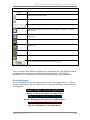
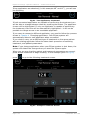
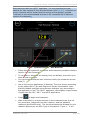
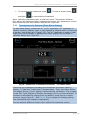
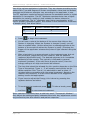
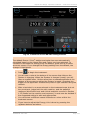
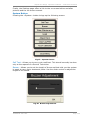
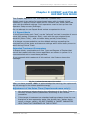
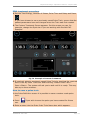
To terminate the treatment press
and then
•
2.17
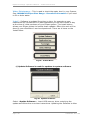
. To take a break, press
to recommence treatment.
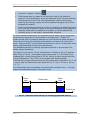
As laser treatment has a small therapeutic window then adjustment
of the settings has to be taken in small steps. Any adjustment should
be governed by the skin reaction and patient response. Never repeat
shots on the same treatment area, as this can lead to tissue damage
or scarring
Settings
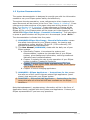
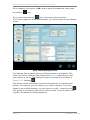
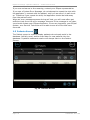
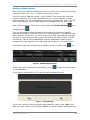
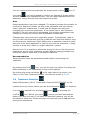
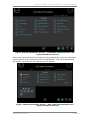
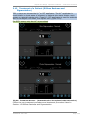
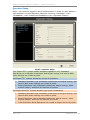
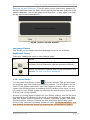
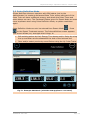
Settings are most easily accessed from the Log On or Patients Screen. At
first glance, the screen can seem intimidating, but Settings are an easy to
use method of running the non-standard tasks on your Ellipse system.
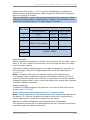
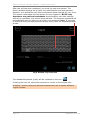
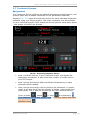
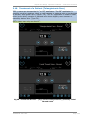
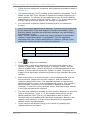
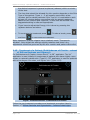
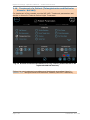
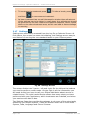
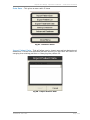
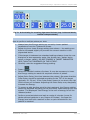
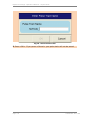
Fig 46. Settings Screen
The screen divides into 2 parts – left and right. On the left are the buttons
you need to perform certain tasks. On the right is all the information you
will need should you have to call your Ellipse distributor about service or
related issues. The right hand side also shows how many shots you have
performed with your applicators, which treatments are installed, and when
your next service date is due.
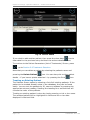
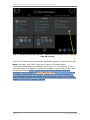
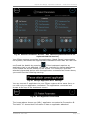
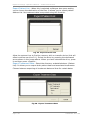
The Settings Page also provides the gateway to do many of the extra tasks
offered by your Ellipse system. These are broken down into 4 main areas. –
System, Data, Language and Colour Scheme.
Page 2-38
1MAN8439–A00-USA