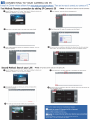
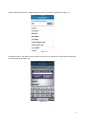
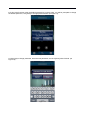
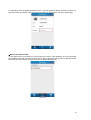
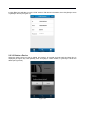
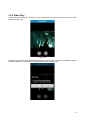
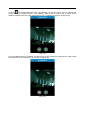
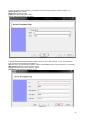
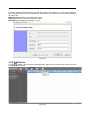
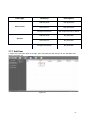
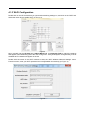
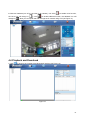
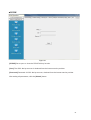
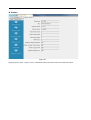
3. After scanning the camera, Zsight will open the Wi-Fi Connection Interface (as Figure 29).
Figure 29
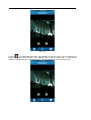
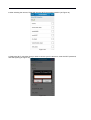
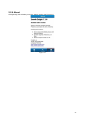
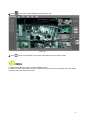
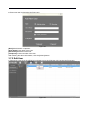
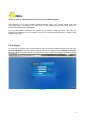
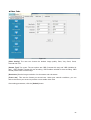
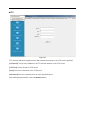
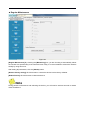
4. Select the Wi-Fi connection that you wish to connect your IP camera to, enter the Wi-Fi password,
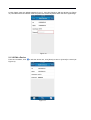
and select [Save] (as Figure 30).
Figure 30