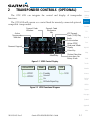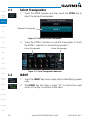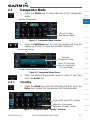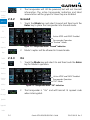
1
Foreword
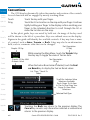
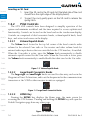
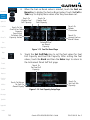
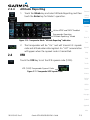
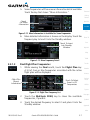
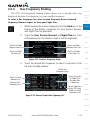
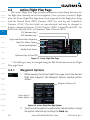
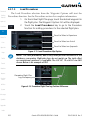
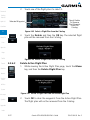
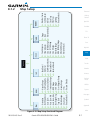
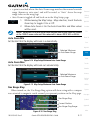
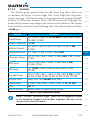
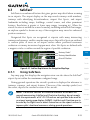
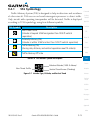
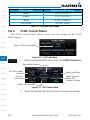
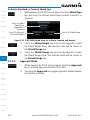
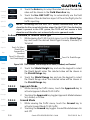
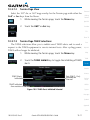
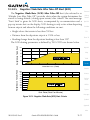
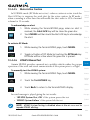
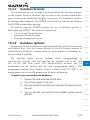
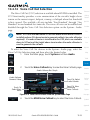
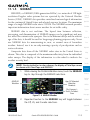
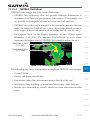
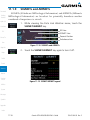
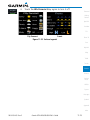
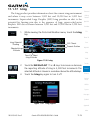
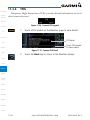
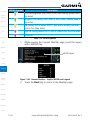
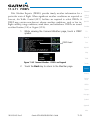
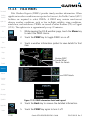
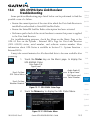
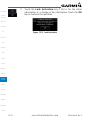
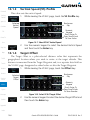
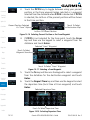
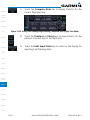
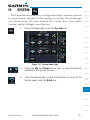
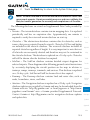
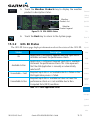
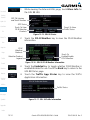
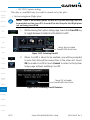
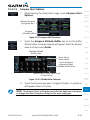
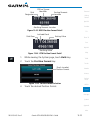
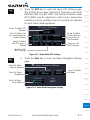
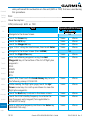
3. Touch the Test TAWS key to test the TAWS system. This function
is not available when the aircraft is in the air.
Getting
Started
TAWS Test
Display
Xpdr Ctrl
Com/Nav
TAWS Test
Annunciation
FPL
Direct-To
Proc
Wpt Info
Map
Traffic
Terrain
Weather
Nearest
Services/
Music
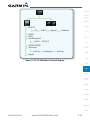
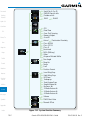
Figure 10-10 TAWS Test Selected
10.3.8
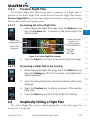
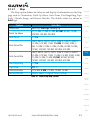
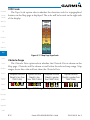
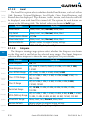
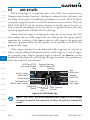
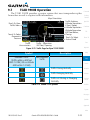
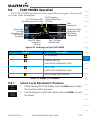
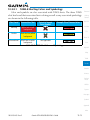
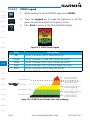
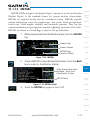
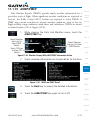
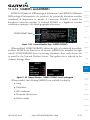
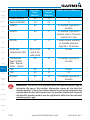
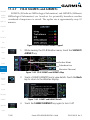
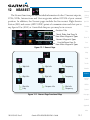
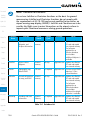
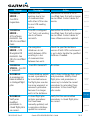
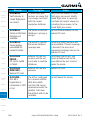
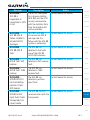
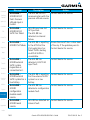
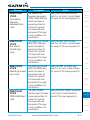
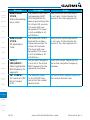
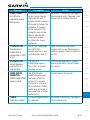
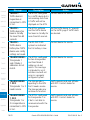
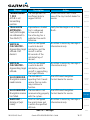
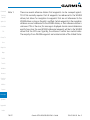
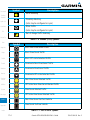
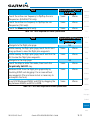
Alerts are issued when flight conditions meet parameters that are set within
TAWS software algorithms. When an alert is issued, visual annunciations are
displayed and aural alerts are simultaneously issued. TAWS alert types are
shown in the TAWS Alerts Summary with corresponding annunciations and
aural messages.
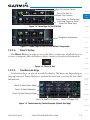
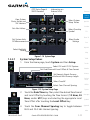
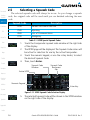
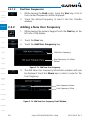
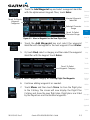
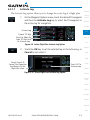
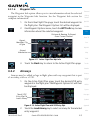
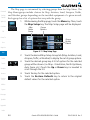
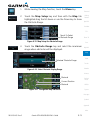
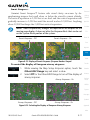
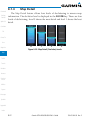
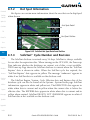
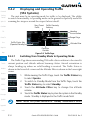
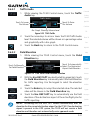
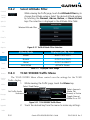
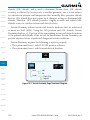
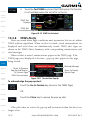
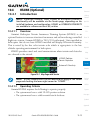
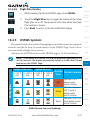
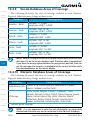
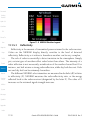
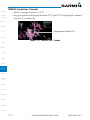
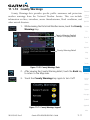
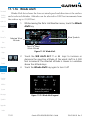
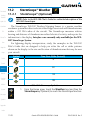
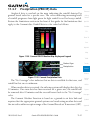
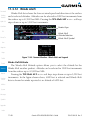
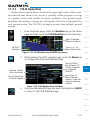
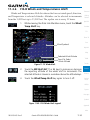
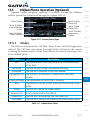
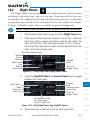
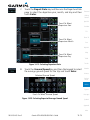
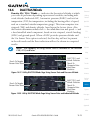
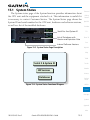
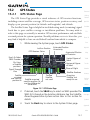
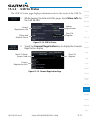
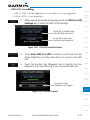
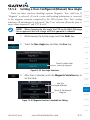
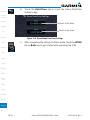
When an alert is issued, annunciations appear on the TAWS page. If the
TAWS page is not displayed at the time, a pop-up alert appears on the page
being viewed.
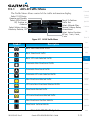
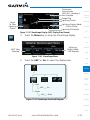
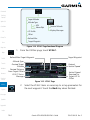
Blinking Message
Touch To Remove
Pop-Up And Remain
On Current Page
TAWS Annunciation
Touch To Display
Terrain Page
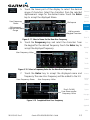
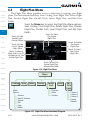
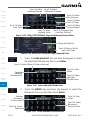
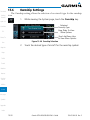
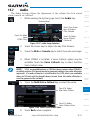
Figure 10-11 Terrain Alert Pop-Up
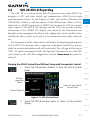
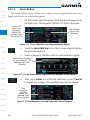
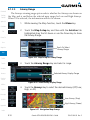
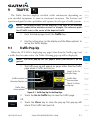
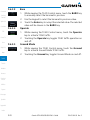
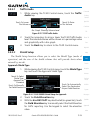
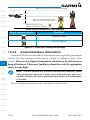
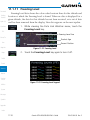
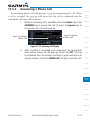
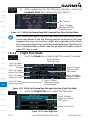
To acknowledge the pop-up alert:
Utilities
System
TAWS Alerts
Touch the Go to Terrain key (accesses the TAWS Page)
OR
Messages
Touch the Close key to remove the pop-up alert
Symbols
Appendix
Index
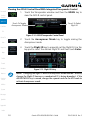
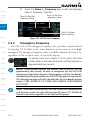
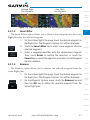
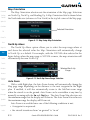
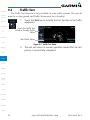
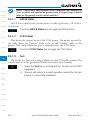
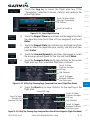
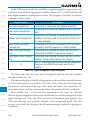
If the pilot takes no action, the pop-up will be removed when the alert is no
longer active.
10-12
Garmin GTN 625/635/650 Pilot’s Guide
190-01004-03 Rev. E