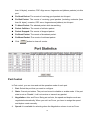
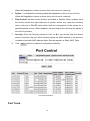
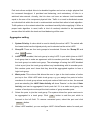
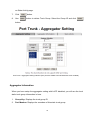
1
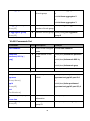
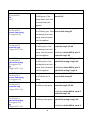
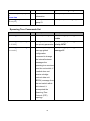
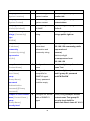
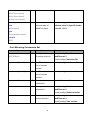
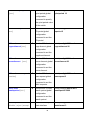
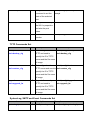
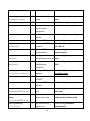
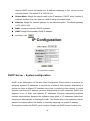
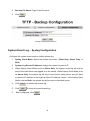
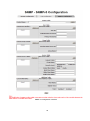
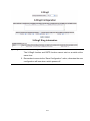
Syslog Configuration interface
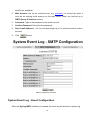
System Event Log - SMTP Configuration
You can set up the mail server IP, mail account, password, and forwarded email account
for receiving the event alert.
1.
Email Alert: Enable or disable the email alert function.
2.
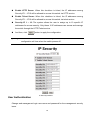
SMTP Server IP: Set up the mail server IP address (when Email Alert enabled, this
function will then be available).
3.
Sender: Type in an alias of the switch in complete email address format, e.g.
[email protected], to identify where the event log comes from.
4.
Authentication: Tick the checkbox to enable this function, configuring the email
account and password for authentication (when Email Alert enabled, this function
60