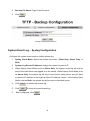
1
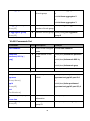
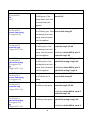
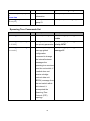
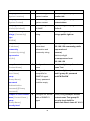
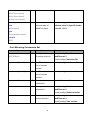
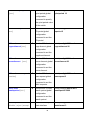
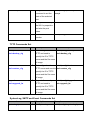
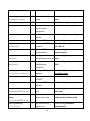
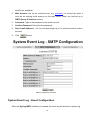
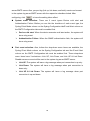
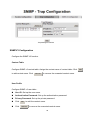
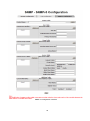
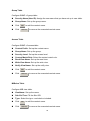
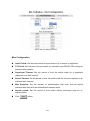
server/SMTP server. Also, per port log (link up, link down, and both) events can be sent to the system log server/SMTP server with the respective checkbox ticked. After configuring, click Apply to have the setting taken effect. System event selection: There are 2 event types—Device cold start and Authentication Failure. Before you can tick the checkbox of each event type, the Syslog Client Mode column on the Syslog Configuration tab/E-mail Alert column on the SMTP Configuration tab must be enabled first. Device cold start: When the device executes cold start action, the system will issue a log event. Authentication Failure: When the SNMP authentication fails, the system will issue a log event. Port event selection: Also, before the drop-down menu items are available, the Syslog Client Mode column on the Syslog Configuration tab and the E-mail Alert column on the SMTP Configuration tab must be enabled first. Those drop-down menu items have 3 selections—Link UP, Link Down, and Link UP & Link Down. Disable means no event will be sent to the system log server/SMTP server. Link UP: The system will issue a log message when port connection is up only. Link Down: The system will issue a log message when port connection is down only. Link UP & Link Down: The system will issue a log message when port connection is up and down. 62