1
FEDRA Masonry Buildings
RUNETsoftware
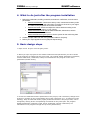
4. What to do just after the program installation
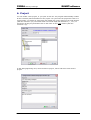
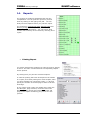
1. Define the parameters, building, materials, and seismic coefficients, from the menu
parameters.
• Parameters/Materials, Check the masonry units, mortars and masonry walls
existing in the program and adjust them according to the ones in your region.
The same for the properties of concrete and steel.
• Parameters/Loads, Check and adjust the various loads according to the
design code of your region, or your country.
• Parameters/Initial values Set the default materials, dimensions, seismic
coefficients, and other coefficients.
• Parameters/Reinforcing bar symbol. Set the symbol for the reinforcing bars
usually Φ, (default #).
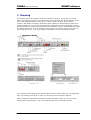
2. Create a project folder with the menu [File/Main folder for Projects].
3. Define your report appearance from [Report/ Report setup].
5. Basic design steps
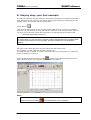
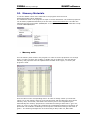
1. Open a new Project from the [File] menu.
2. When you open a project file the default coefficients and parameters you have chosen
for the program are loaded into the project file. The original default parameters (materials,
seismic coefficients, coefficients, loads) are maintained in the program in the menu
[Parameters/Initial values].
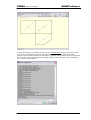
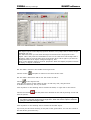
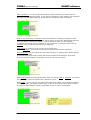
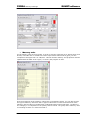
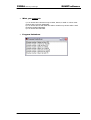
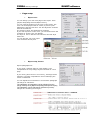
3. Check the coefficients and the parameters of the project, and if necessary change some
of them by clicking on the corresponding lines of the yellow pad. (E.g. To add floors in the
building). Keep in mind that all the project parameters written in the project files, can be
changed by clicking at the corresponding commands on the yellow pad. The program
default parameters (materials, loads, action coefficients, seismic coefficients) are
maintained in the program through the top menu [Parameters].
User Manual
9