1
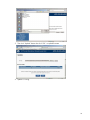
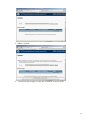
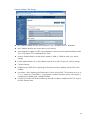
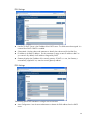
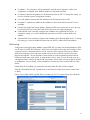
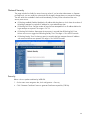
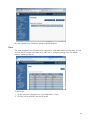
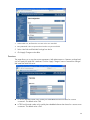
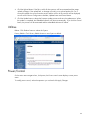
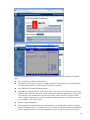
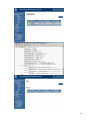
Timeout is the time that a connection is allowed to remain idle (60 to 10800 seconds). The session is canceled when the time-out is reached. Max Sessions is the maximum number of simultaneous sessions allowed for this system. Active Sessions is the number of current sessions on the system, less than or equal to the setting for Max Sessions. IPMI This page allows you to view the IPMI values. With Administrator or Operator privilege level, you can modify the IPMI Serial attributes and IPMI LAN Settings values and then click Apply Changes to execute validation against the Encryption key field and send all data to the server. Enable “IPMI Over LAN” by checking the box. Disable “IPMI Over LAN” by un-checking the box. Channel Privilege Level Limit is the maximum privilege level that can be accepted on the LAN channel (Administrator, Operator or User). Encryption Key allows from 0 to 20 two-digit Hex characters and no spaces. Sessions Use this page to view information about the active sessions. Additionally, privileged users can click on the trash can icon to kill an active session. 40