1
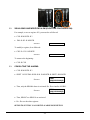
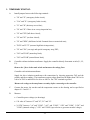
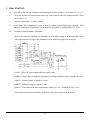
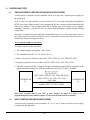
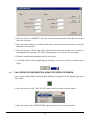
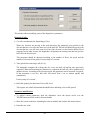
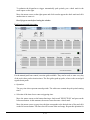
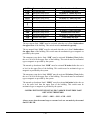
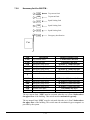
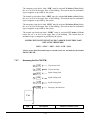
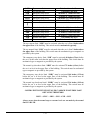
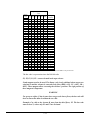
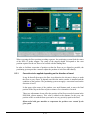
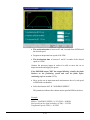
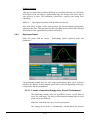
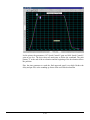
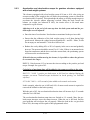
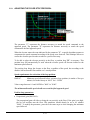
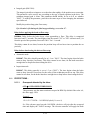
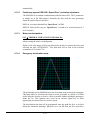
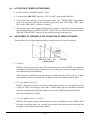
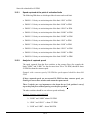
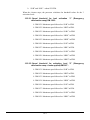
To authorize the dispatcher to trigger automatically peak periods, put a check mark in the small square on the right. Move the mouse cursor on the right square and click to make appear the check mark and click another time to remove it. Don’t forget to save before leaving the window. Peak hours manual triggering: For the manual peak hour control, two-time grids available. They can be used, to enter every day of the week, three peak activation times. The first grid regards up peaks, where as the second grid regards down peaks. Operation: The grey time slots represent unused periods. The white ones contain the peak period starting times. Selection of the time slots to enter a triggering time: Move the mouse cursor on the button showing a check mark "SELECTION" and press on the left mouse button. At this moment, the mouse cursor becomes a check mark. Move the mouse cursor on grey time slot that corresponds to the desired time of day and click on the left mouse button. The time slot will become white and empty. Repeat this operation for 6-11






































![CASBEE柏[戸建]LR1(PDF形式:1044KB)](http://vs1.manualzilla.com/store/data/006612808_2-5ed36873bbd1c6f331cc4a945d355d8b-150x150.png)