1
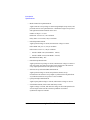
Front Panel Reference
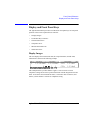
Front Panel Key Details
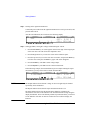
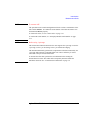
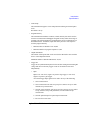
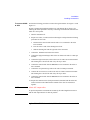
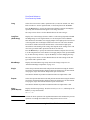
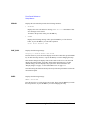
V/I
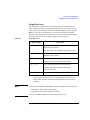
Switches the source output mode, voltage output or current output.
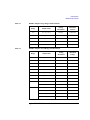
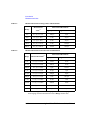
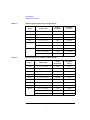
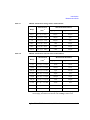
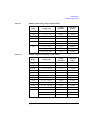
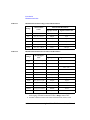
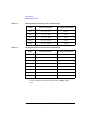
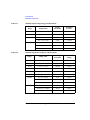
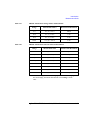
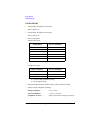
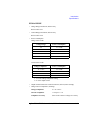
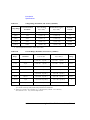
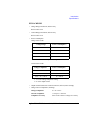
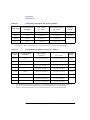
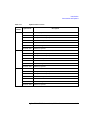
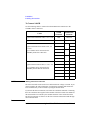
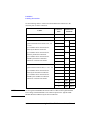
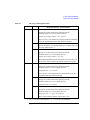
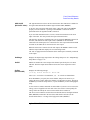
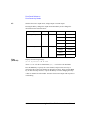
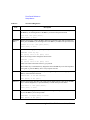
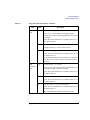
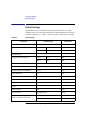
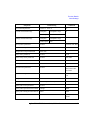
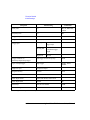
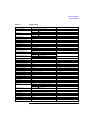
Pressing the V/I key changes the output mode immediately. It also changes the
measurement item as shown below:
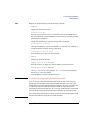
Source Output Mode
V (voltage output)
OUT
CPL
Meas Data 1
Voltage
Current
Current
Current
Meas Data 2
Voltage
Power
Resistance
I (current output)
Current
Voltage
Voltage
Voltage
Current
Power
Resistance
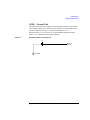
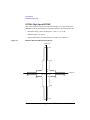
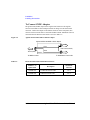
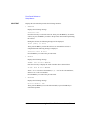
Filter
(Shift+V/I)
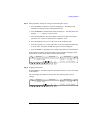
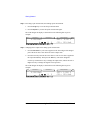
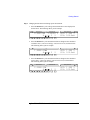
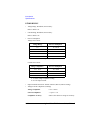
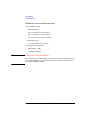
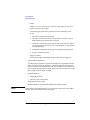
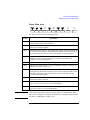
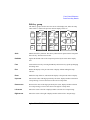
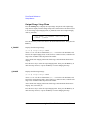
Displays the following message.
[S-ch #] Filter: ON or OFF
where # is 1 or 2 for the 2-ch mainframe, 1, 2, ... or 8 for the 8-ch mainframe.
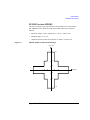
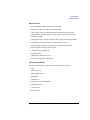
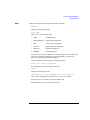
Press the OutCh key to specify the source channel, and press the arrow key to
connect the filter (ON) to the channel or disconnect it (OFF). Then, press the Enter
key to make the setup effective, or press the Exit key to cancel changing the setup.
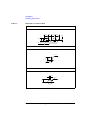
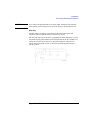
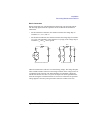
A filter is mounted on each module. It assures clean source output with no spikes or
overshooting.
4-16
Agilent E5260/E5270 User’s Guide, Edition 5