1
Front Panel Operations
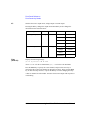
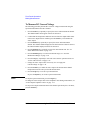
Setting Up Agilent E5260/E5270
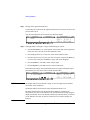
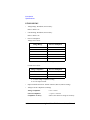
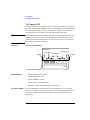
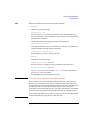
To Set GPIB Address
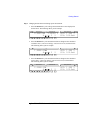
1. Press the Menu key.
2. Move the cursor to CONFIG, then press the Enter key.
3. Move the cursor to ADDRESS, then press the Enter key.
4. Press the arrow keys to set the GPIB address.
5. Press the Enter key to make the setup effective, or press the Exit key to cancel
changing the setup.
6. Press the Exit key twice to close the setup menu.
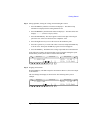
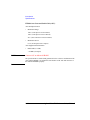
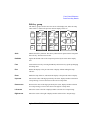
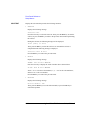
To Set Remote Display Mode
This instruction enables or disables the data display in the GPIB remote condition.
See “RMT_DSPL” on page 4-24.
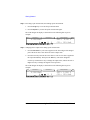
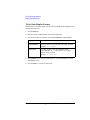
1. Press the Menu key.
2. Move the cursor to RMT_DSPL, then press the Enter key.
3. Press the arrow keys to set the remote display mode ON or OFF.
4. Press the Enter key to make the setup effective, or press the Exit key to cancel
changing the setup.
5. Press the Exit key to close the setup menu.
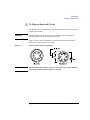
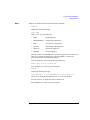
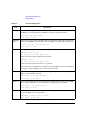
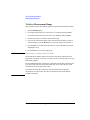
To Return to Local Mode
Press the Local key. If the front panel keys are locked, send the KLC command from
an external computer, then press the Local key.
5-14
Agilent E5260/E5270 User’s Guide, Edition 5