1
Front Panel Reference
Setup Menus
•
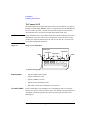
SERIAL
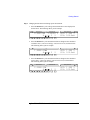
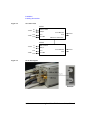
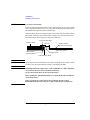
Displays the following message.
Slot#: xxxxxxxxxx
where # is 1 or 2 for the 2-ch mainframe, 1, 2, ... or 8 for the 8-ch mainframe,
xxxxxxxxxx is the serial number of the module installed in the slot #.
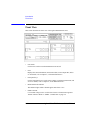
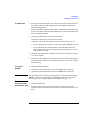
If the atto sense and switch unit (ASU) is connected to the high resolution SMU
(HRSMU), the following message will be displayed.
Slot#: xxxxxxxxxx yyyyyyyyyy
where xxxxxxxxxx is the serial number of the HRSMU, yyyyyyyyyy is the serial
number of the ASU.
To display the serial number of the other module, press the arrow key.
To return to the previous menu, press the Exit key.
NOTE
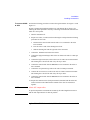
If the incorrect ASU is connected to the HRSMU
The ASU can be used with only the HRSMU that was connected to it when the
performance verification was performed. If the incorrect ASU is connected,
“ERROR” will be displayed right of the serial number.
If “ERROR” is displayed, confirm the serial number of the ASU, turn the Agilent
E5270B off, and connect the correct ASU.
Agilent E5260/E5270 User’s Guide, Edition 5
4-21