1
AMS User Manual
1.2.6-3 Port Group Filtering
With this feature, you can filter multicast joins on a per-port basis by configuring IP multicast profiles
and associating them with individual switch ports. An IGMP profile can contain one or more
multicast groups and when applied to a port to deny access to that port on the configured multicast
address. If an IGMP profile denying access to a multicast group is applied to a switch port, the IGMP
join report requesting the stream of IP multicast traffic is dropped, and the port is not allowed to
receive IP multicast traffic from that group.
MLD filtering controls only MLD membership join reports and has no relationship to the function
that directs the forwarding of IP multicast traffic.
Web Interface
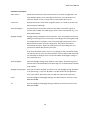
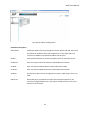
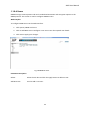
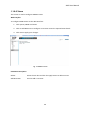
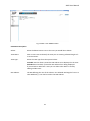
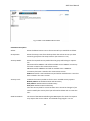
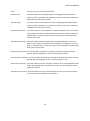
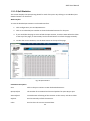
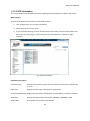
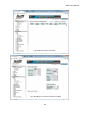
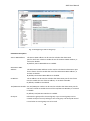
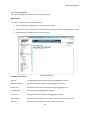
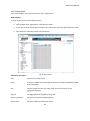
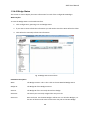
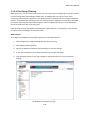
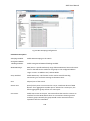
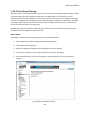
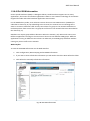
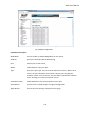
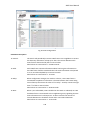
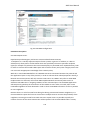
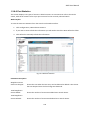
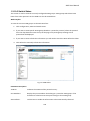
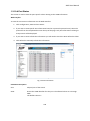
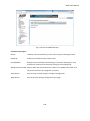
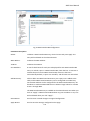
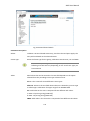
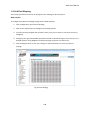
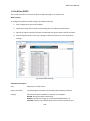
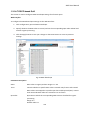
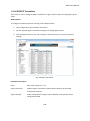
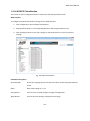
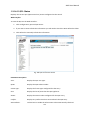
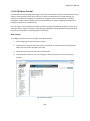
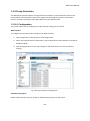
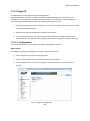
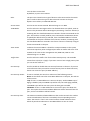
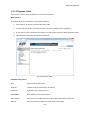
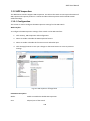
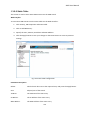
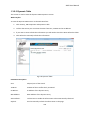
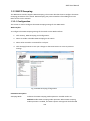
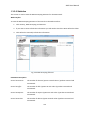
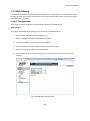
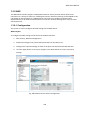
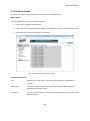
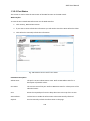
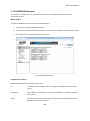
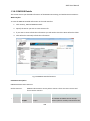
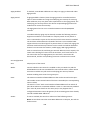
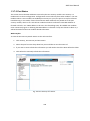
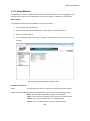
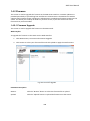
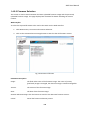
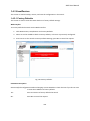
To configure the MLD Port Group Filtering entries via the Web Interface:
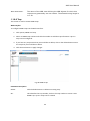
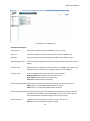
1. Click Configuration, MLD Snooping and Port Group Filtering.
2. Click Add New Filtering Group.
3. Specify the Multicast IP Address and click Apply to save the settings.
4. If you wish to delete an entry check the delete tick box and click Apply.
5. Click the Apply button to save your changes or the Reset button to revert to previous
settings.
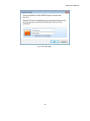
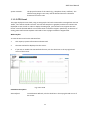
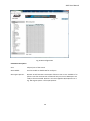
Fig. 55 Multicast Address Filtering
122