1
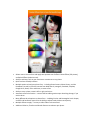
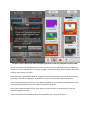
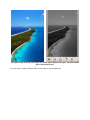
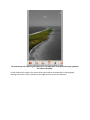
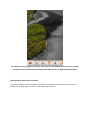
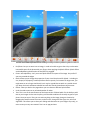
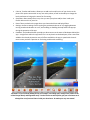
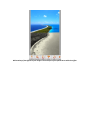
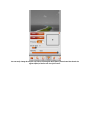
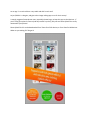
Allows users to choose from and apply two separate sets of effects: Photo Effects (full picture), and Splash Effects (selective area). Ability to add text, such as your emotions or sentiments on any photo. Quick and user-friendly interface. Multiple options to load your photo from - including Phone Camera, Photo Library, and the Pasteboard, as well as from the internet from Web Search, Instagram, Facebook, Dropbox, Google Drive, Gmail, Flickr and Picasa, to name a few. Ability to crop a photo, rotate it left or right, and mirror. Automatic restore last session – restores the last editing session upon launching the app, if you wish to do so. Many different brush options to choose from – including Circular and Rectangular brush shapes, and Soft and hard brush types. Plus the ability to adjust brush thickness and opacity. Multiple effects to apply – as many as 140+ effects to choose from! Additional Colorize, Tintalize and Recolor features to enhance your photo.