1
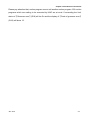
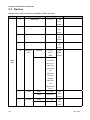
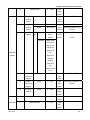
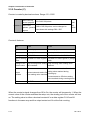
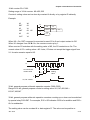
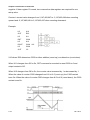
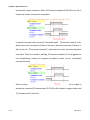
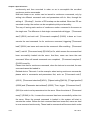
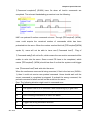
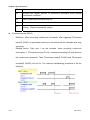
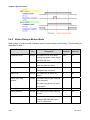
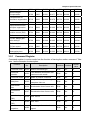
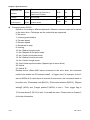
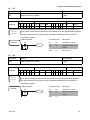
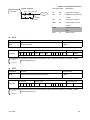
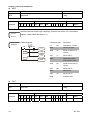
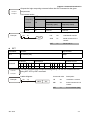
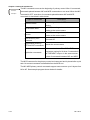
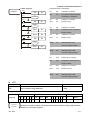
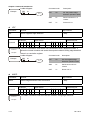
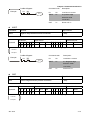
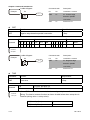
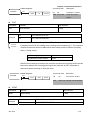
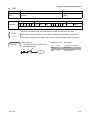
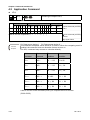
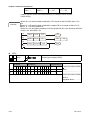
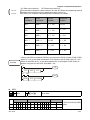
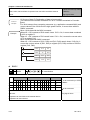
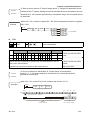
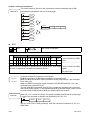
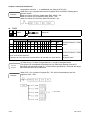
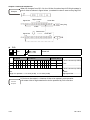
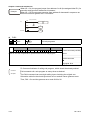
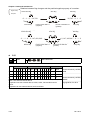
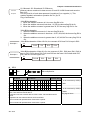
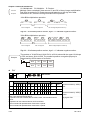
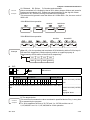
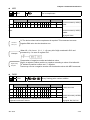
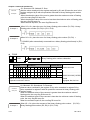
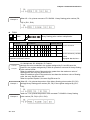
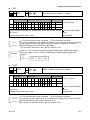
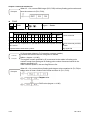
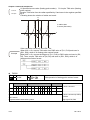
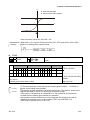
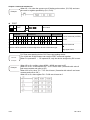
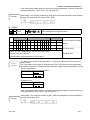
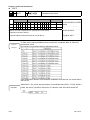
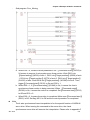
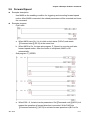
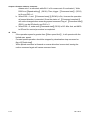
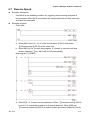
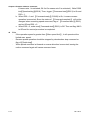
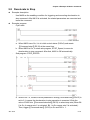
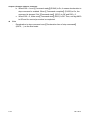
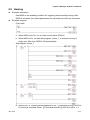
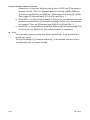
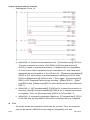
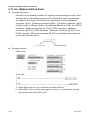
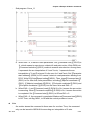
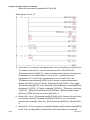
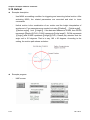
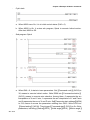
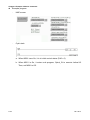
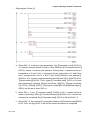
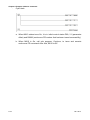
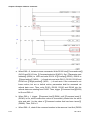
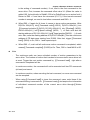
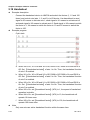
Chapter 4 Command Introduction Example 程式 範例 When the data contained in C10 equals to that in K200, then Y10 = On. When the data contained in D200 is greater than that in K-30 and X1 = On, then Y11 = On and remains so. When the data contained in C200 is less than K678, 493 or M3 = On, then M50 = On. LD= K200 C10 LD> D200 K-30 Y10 X1 DLD> K678493 SET C200 Y11 M50 M3 AND※ API 002 D Bit device X Contact type compare AND※ AND※ Word device External device Y M T C R KnX KnY KnM T C D V Z W Bit Word 16-bit command (5 STEP) AND※ S1 O O O O O O O O O O S2 O O O O O O O O O O 32-bit command (5 STEP) Notes on the use of operands: ※:=、>、<、<>、≦、≧ DAND ※ Flag signal: None Command 指令 說明 description Jan. 2014 S1: Data source device 1. S2: Data source device 2. This command compares values stored in S1 and S2. When the comparing result is enabled, the command turns on otherwise it does not turn on. The AND※ is a compare command series connects to a contact. 16-bit 32-bit Turn-on Not turn-on command command condition condition AND= DAND= S1 = S2 S1 ≠ S2 AND> DAND> S1 > S2 S1 ≦ S2 AND< DAND< S1 < S2 S1 ≧ S2 AND<> DAND<> S1 ≠ S2 S1 = S2 AND<= DAND<= S1 ≦ S2 S1 > S2 4-21