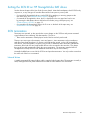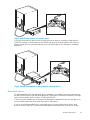
1
1 Before you start
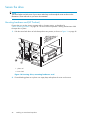
HP StorageWorks DAT models
This guide describes how to install and operate the following HP StorageWorks DAT SCSI tape drive
models:
• HP StorageWorks DAT 160
• HP StorageWorks DAT 72
• HP StorageWorks DAT 40
For a detailed product specification, please refer to our World Wide Web site (http://www.hp.com).
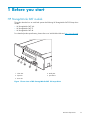
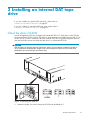
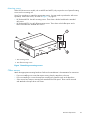
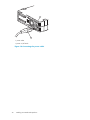
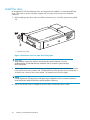
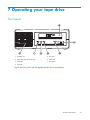
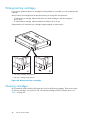
1. Clean LED
4. Ready LED
2. Tape LED
5. Eject button
3. Drive LED
Figure 1 Front view of HP StorageWorks DAT 160 tape drive
DAT SCSI Tape Drives
13