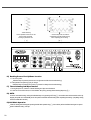
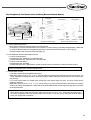
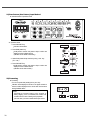
1
R
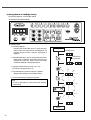
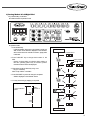
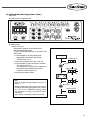
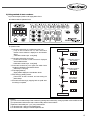
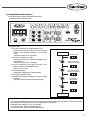
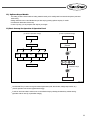
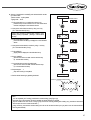
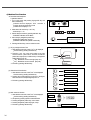
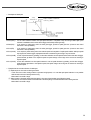
11) Left/Right Stop Location of Needle
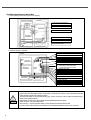
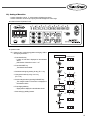
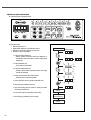
■ Indication Status of Operation Panel
■ Operation Order
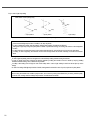
※ It is the example by 2 point pattern(standard zigzag, pattern
number 2 ) width of 8[mm].
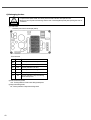
Power On
Indication device
1. Press Needle Left/Right stop key on condition that power
is on.
Left/Right stop location is displayed on the indication
devide.
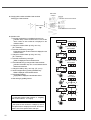
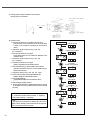
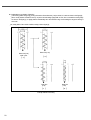
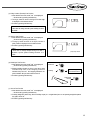
2. Press PARA/SET key.
The indication device blinks.
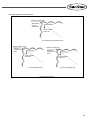
3. Decide left/right stop location.
- - N1 key : left stop
indication device:
- key : right stop
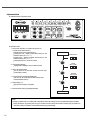
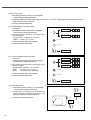
indication device: - - N2 key : no stop location indication device: - - - 4. Set the changed value by pressing PARA/SET key.
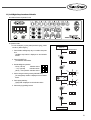
The changed stop location is displayed on the indication
device.
or
5. Press zigzag width key.
Zigzag width is displayed on the indication device.
6. Start sewing by pedaling forward.
Sewing
21