1
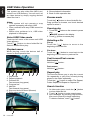
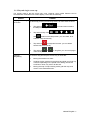
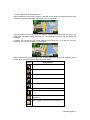
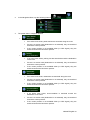
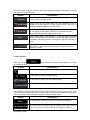
Compass in 2D
map view mode
,
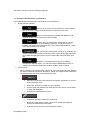
The direction of the compass shows North.
Tap the button to switch to North-up view, and
then tap again to rotate the map in the
previous direction.
,
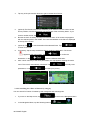
The direction of the compass shows North.
Tap the button to switch to North-up view, and
then tap again to rotate the map in the
previous direction.
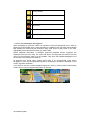
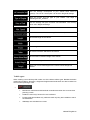
Compass in 3D
map view mode
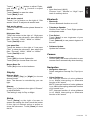
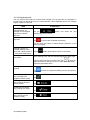
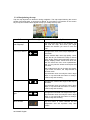
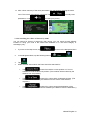
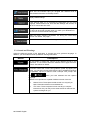
Location
information
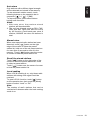
Tap this button to open a new screen with
information about the selected map point, the
Cursor.
Return to normal
navigation
Tap this button to move the map back to follow
the current GPS position. Automatic map
rotation is also re-enabled.
The map manipulation buttons disappear and
navigation continues.
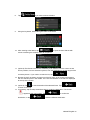
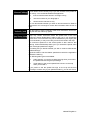
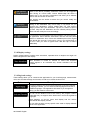
Additional options
Tap this button to open a list of additional
features like saving the Cursor as a Favourite
destination, or searching for Places around the
Cursor.
Select destination
Tap this button to select the Cursor as a new
destination. The route is automatically
calculated.
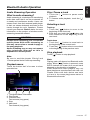
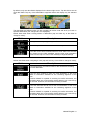
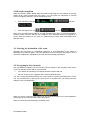
2.2.5 Quick menu
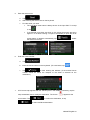
The Quick menu is a selection of controls and functions that are frequently needed during
.
navigation. It can be opened directly from the Map screen by tapping
The menu will close after a few seconds of inactivity or if you tap
.
Most of these functions are shortcuts. They are accessible from the menu system.
NX302E English 21