1
154 | Application Deployment
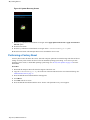
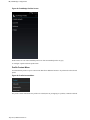
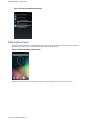
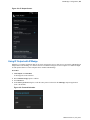
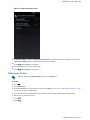
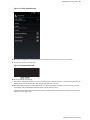
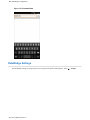
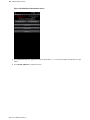
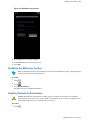
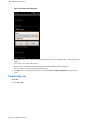
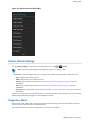
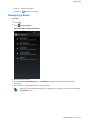
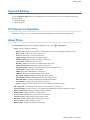
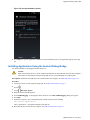
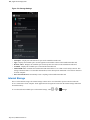
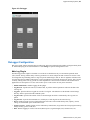
Figure 134: Name the Certificate Dialog Box
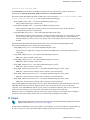
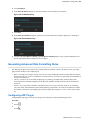
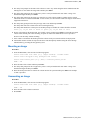
10 Touch OK. If a password has not been set for the credential storage, enter a password for it twice and then touch
OK.
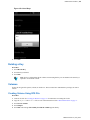
The certificate can now be used when connecting to a secure network. For security, the certificate is deleted from
the microSD card.
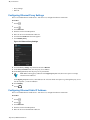
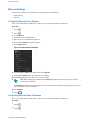
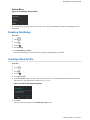
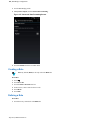
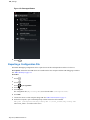
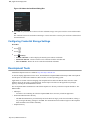
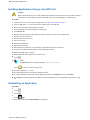
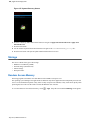
Configuring Credential Storage Settings
Procedure:
1
2
3
Touch
.
Touch
.
Touch
Security.
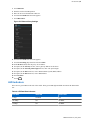
•
•
•
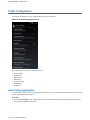
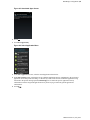
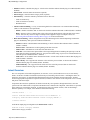
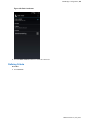
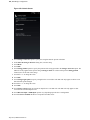
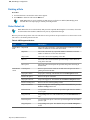
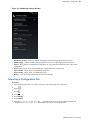
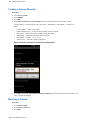
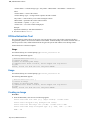
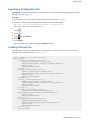
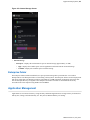
Trusted credentials - Touch to display the trusted system and user credentials.
Install from SD card - Touch to install a secure certificate from the microSD card.
Clear credentials - Deletes all secure certificates and related credentials.
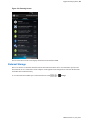
Development Tools
Android development tools are available at http://developer.android.com.
To start developing applications for the device, download the development SDK and the Eclipse IDE. Development
can take place on a Microsoft® Windows®, Mac® OS X®, or Linux® operating system.
Applications are written in the Java language, but compiled and executed in the Dalvik VM (a non-Java virtual
machine). Once the Java code is compiled cleanly, the developer tools make sure the application is packaged
properly, including the AndroidManifest.xml file.
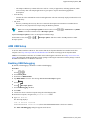
The development SDK is distributed as a ZIP file that unpacks to a directory on the host computer hard drive. The
SDK includes:
•
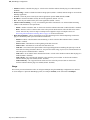
android.jar
•
- Java archive file containing all of the development SDK classes necessary to build an application.
documention.html and docs directory
-
•
The SDK documentation is provided locally and on the Web. It's largely in the form of JavaDocs, making it
easy to navigate the many packages in the SDK. The documentation also includes a high-level Development
Guide and links to the broader community.
Samples directory
July 2015 | MN001975A01-A