1
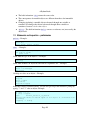
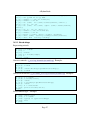
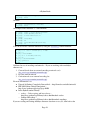
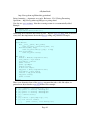
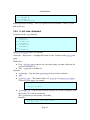
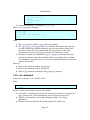
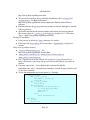
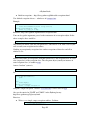
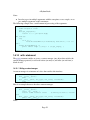
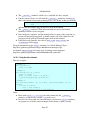
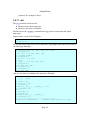
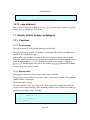
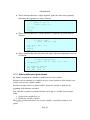
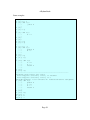
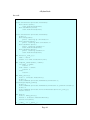
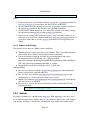
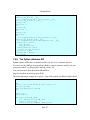
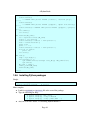
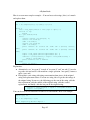
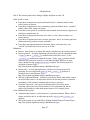
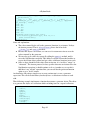
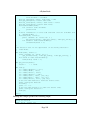
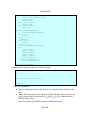
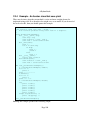
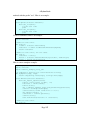
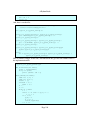
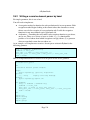
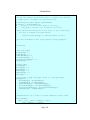
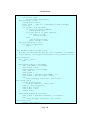
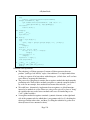
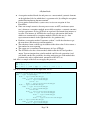
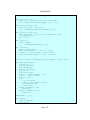
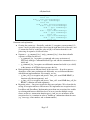
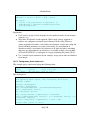
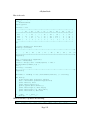
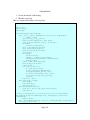
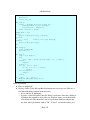
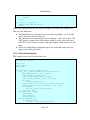
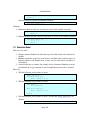
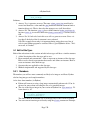
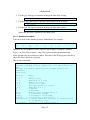
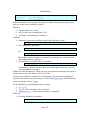
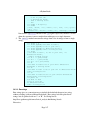
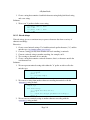
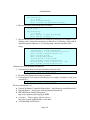
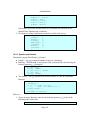
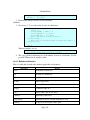
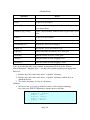
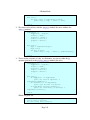
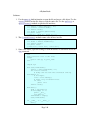
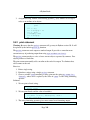
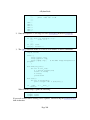
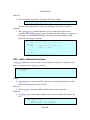
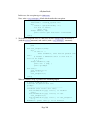
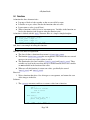
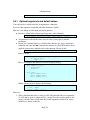
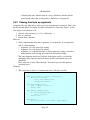
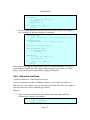
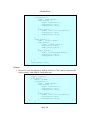
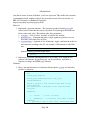
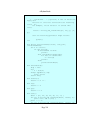
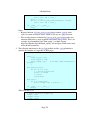
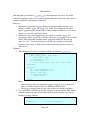
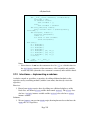
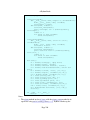
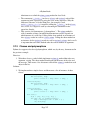
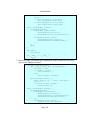
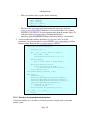
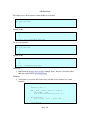
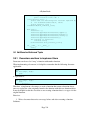
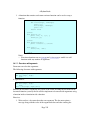
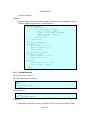
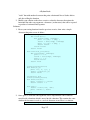
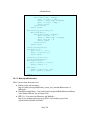
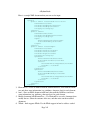
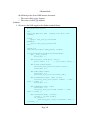
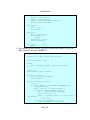
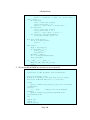
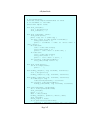
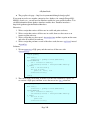
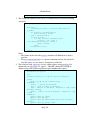
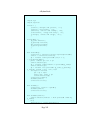
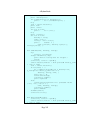
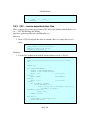
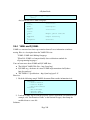
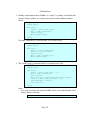
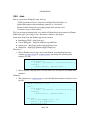
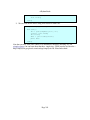
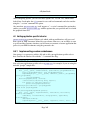
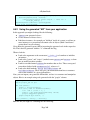
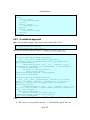
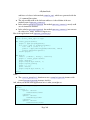
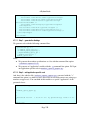
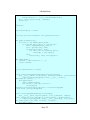
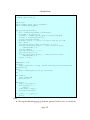
A Python Book <xs:sequence> <xs:element name="firstname" type="xs:string"/> <xs:element name="lastname" type="xs:string"/> <xs:element name="interest" type="xs:string" maxOccurs="unbounded" /> <xs:element name="category" type="xs:integer"/> </xs:sequence> <xs:attribute name="id" type="xs:integer" /> <xs:attribute name="priority" type="xs:float" /> <xs:attribute name="colorcode" type="xs:string" /> </xs:complexType> </xs:schema> 4.7.1.1 Step 1 generate the bindings We generate code with the following command line: $ generateDS.py f \ o member_specs_api.py \ s member_specs_upper.py \ super=member_specs_api \ memberspecs=list \ member_specs.xsd Notes: ● ● We generate the member specifications as a list with the command line option memberspecs=list. We generate an "application" module with the s command line option. We'll put our application specific code in member_specs_upper.py. 4.7.1.2 Step 2 add applicationspecific code And, here is the subclass file (member_specs_upper.py, generated with the "s" command line option), to which we have added a bit of code that converts any stringtype members to upper case. You can think of this module as a special "application" of the generated classes. #!/usr/bin/env python # # member_specs_upper.py # # # Generated Tue Nov 9 15:54:47 2010 by generateDS.py version 2.2a. # import sys Page 270