1
A Python Book
●
●
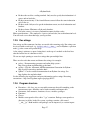
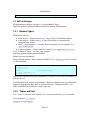
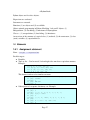
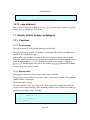
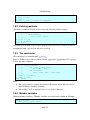
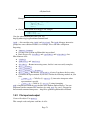
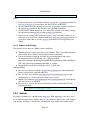
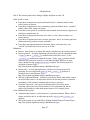
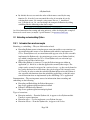
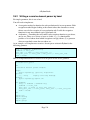
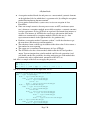
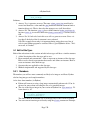
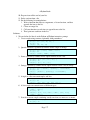
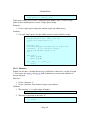
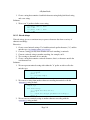
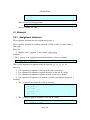
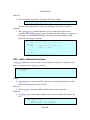
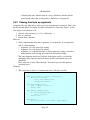
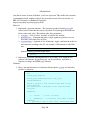
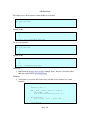
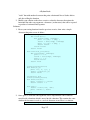
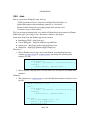
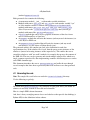
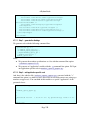
A file object that is open for reading a text file supports the iterator protocol and, therefore, can be used in a for statement. It iterates over the lines in the file. This
is most likely only useful for text files.
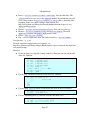
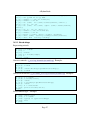
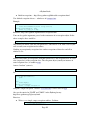
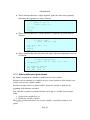
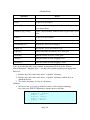
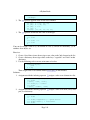
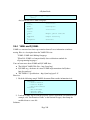
open is a factory method that creates file objects. Use it to open files for reading, writing, and appending. Examples:
infile = open('myfile.txt', 'r') # open for reading
outfile = open('myfile.txt', 'w') # open for (over) writing
log = open('myfile.txt', 'a') # open for appending to existing content
●
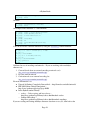
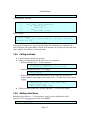
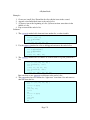
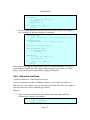
When you have finished with a file, close it. Examples:
infile.close()
outfile.close()
●
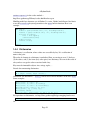
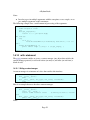
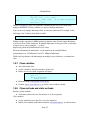
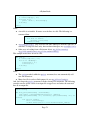
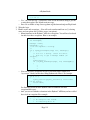
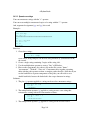
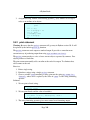
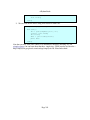
You can also use the with: statement to automatically close the file. Example:
with open('tmp01.txt', 'r') as infile:
for x in infile:
print x,
●
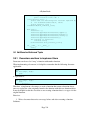
The above works because a file is a context manager: it obeys the context manager protocol. A file has methods __enter__ and __exit__, and the __exit__ method automatically closes the file for us. See the section on the with: statement.
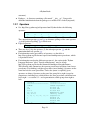
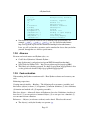
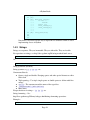
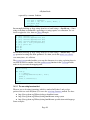
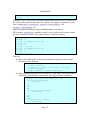
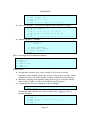
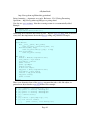
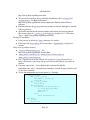
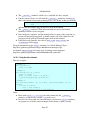
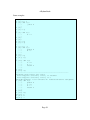
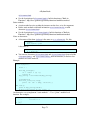
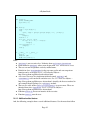
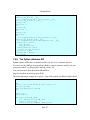
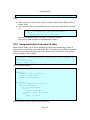
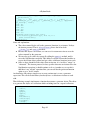
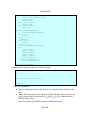
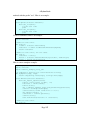
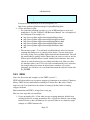
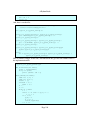
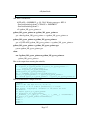
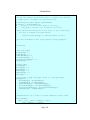
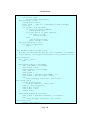
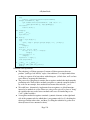
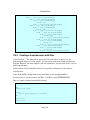
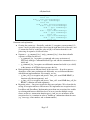
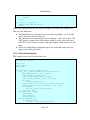
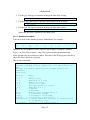
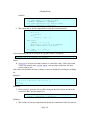
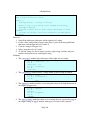
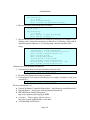
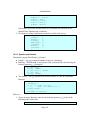
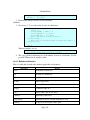
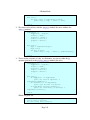
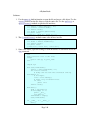
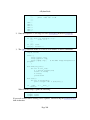
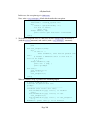
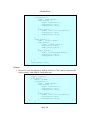
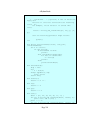
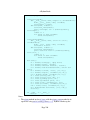
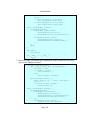
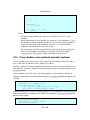
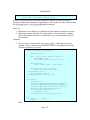
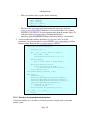
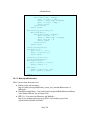
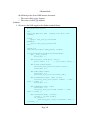
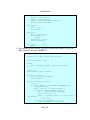
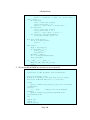
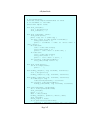
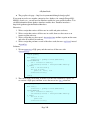
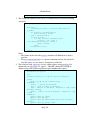
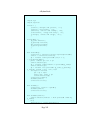
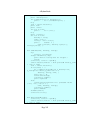
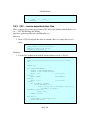
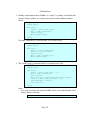
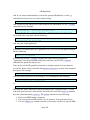
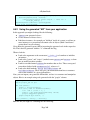
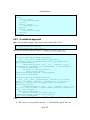
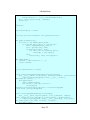
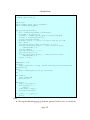
In order to open multiple files, you can nest with: statements, or use a single with: statement with multiple "expression as target" clauses. Example:
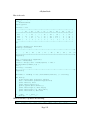
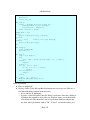
def test():
#
# use multiple nested with: statements.
with open('small_file.txt', 'r') as infile:
with open('tmp_outfile.txt', 'w') as outfile:
for line in infile:
outfile.write('line: %s' % line.upper())
print infile
print outfile
#
# use a single with: statement.
with open('small_file.txt', 'r') as infile, \
open('tmp_outfile.txt', 'w') as outfile:
for line in infile:
outfile.write('line: %s' % line.upper())
print infile
print outfile
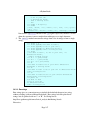
test()
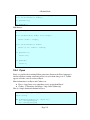
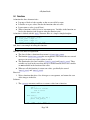
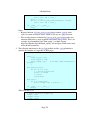
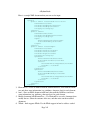
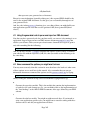
●
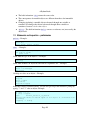
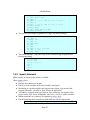
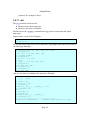
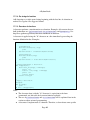
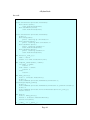
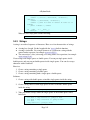
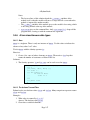
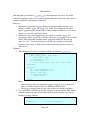
file is the file type and can be used as a constructor to create file objects. But, Page 33