1
Moxa Command Line Interface
Commands
Commands
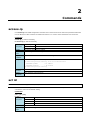
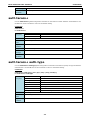
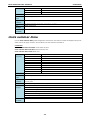
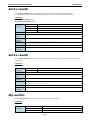
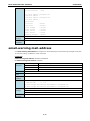
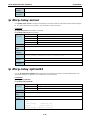
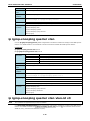
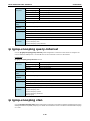
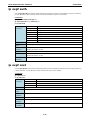
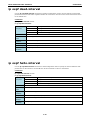
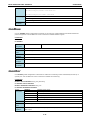
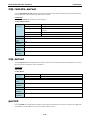
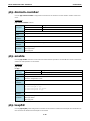
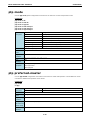
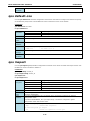
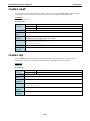
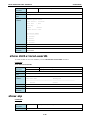
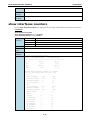
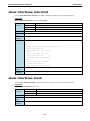
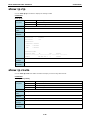
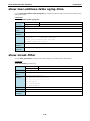
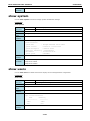
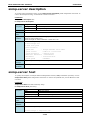
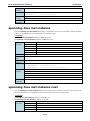
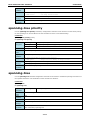
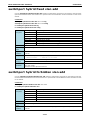
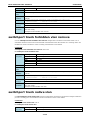
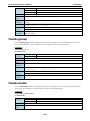
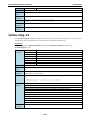
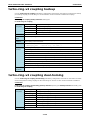
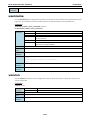
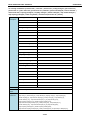
permit ip-address
no permit ip-address
Syntax
permit
Configure PERMIT filter
Description
ip-address
E.g., 11.22.33.44
Defaults
N/A
Command
ACL configuration
Modes
Usage
N/A
Guidelines
Examples
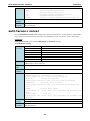
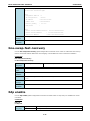
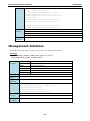
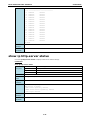
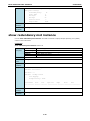
PT-7828(config-acl)# permit
<IPV4ADDR:ipaddr>
Error
- E.g., 11.22.33.44
Invalid IPv4 address
messages
Related
Show ip access-list
commands
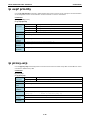
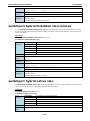
ip access-list
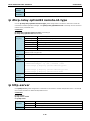
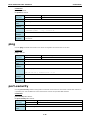
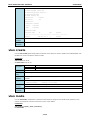
ping
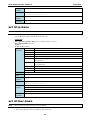
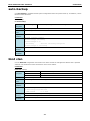
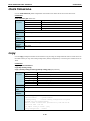
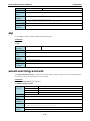
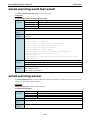
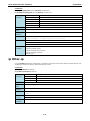
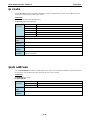
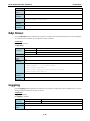
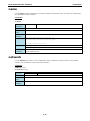
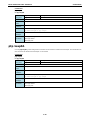
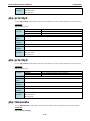
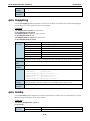
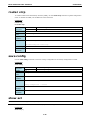
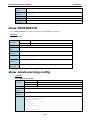
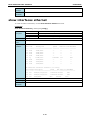
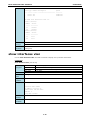
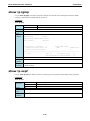
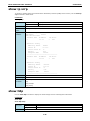
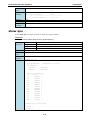
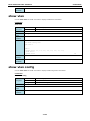
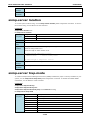
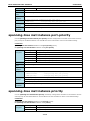
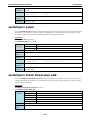
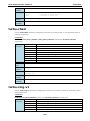
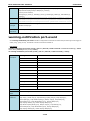
Use the ping user EXEC command on the switch to diagnose the remote host if it is alive.
Commands
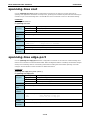
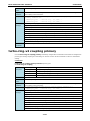
ping ip-address
Syntax
ping
Send echo messages
Description
ip-address
E.g., 11.22.33.44
Defaults
N/A
Command
Privileged
Modes
Usage
N/A
Guidelines
Examples
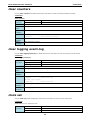
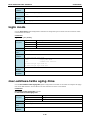
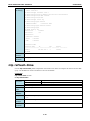
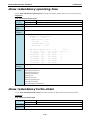
PT-7828# ping 192.168.127.1
PING 192.168.127.1, Send/Recv/Lost = 4/4/0
Error
N/A
messages
Related
N/A
commands
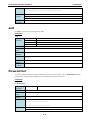
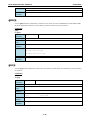
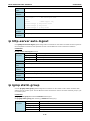
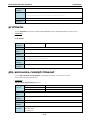
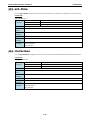
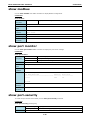
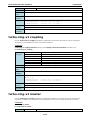
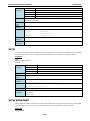
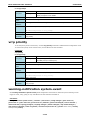
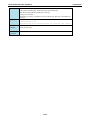
port-security
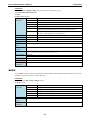
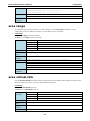
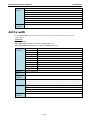
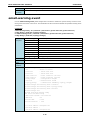
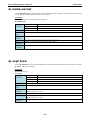
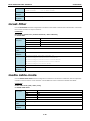
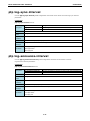
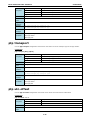
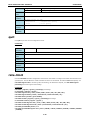
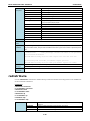
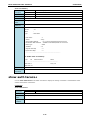
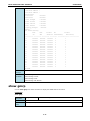
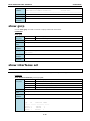
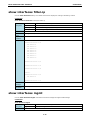
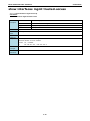
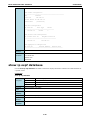
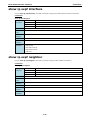
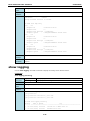
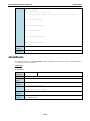
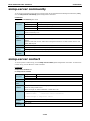
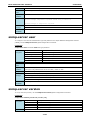
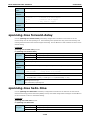
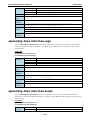
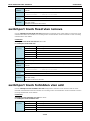
Use the port-security interface configuration command on the switch to add a static unicast MAC-address on
a specified port. Use the no form of this command to remove the specified MAC address.
Commands
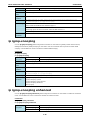
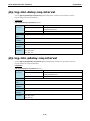
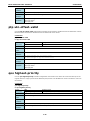
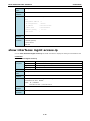
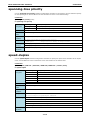
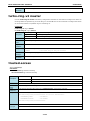
port-security MAC-address
no port-security MAC-address
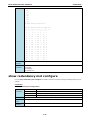
Syntax
port-security
Set port security
Description
MAC-address
MAC address XX:XX:XX:XX:XX:XX
Defaults
N/A
Command
interface configuration
Modes
2-46