1
Configuring Uninterruptable Power Systems
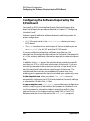
Configuring UPS to Cycle Power During Non-Work Hours
Configuring UPS to Cycle Power During
Non-Work Hours
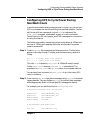
In work environments where energy savings is crucial, you can use your
UPS to cycle power on and off according to a specified schedule. You can
set this up with two commands: Instruct cron to implement the
power_onoff command, unattended, as part of a routine schedule.
Consult the cron (1M) and >power_onoff (1M) manpages for information
on using this feature.
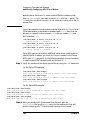
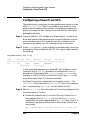
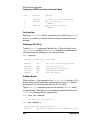
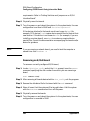
The following procedure causes the system to shut down at 5:30pm and
start up at 7:30am each weekday. Saturday and Sunday, the system
remains powered off.
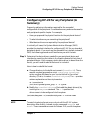
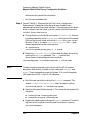
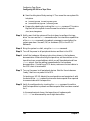
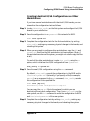
Step 1. Create a crontab file containing the following entries. The first entry
applies to Monday through Thursday and the second entry applies to
Friday.
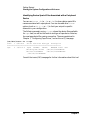
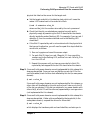
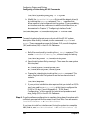
30 17 * * 1-4 power_onoff 7:30 tomorrow
30 17 * * 5
power_onoff 7:30 Monday
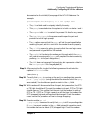
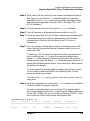
This tells cron to execute power_onoff at 5:30pm Monday through
Friday. power_onoff executes shutdown -h 60 immediately. The
arguments to power_onoff tell ups_mond when to cycle power back on.
You can specify an increment to power_onoff of up to four days (99.9
hours) in advance.
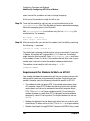
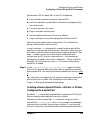
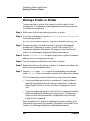
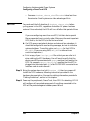
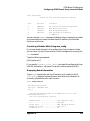
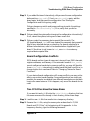
Step 2. Once running, ups_mond logs status messages using syslogd, the system
logging daemon. You can configure syslogd to redirect these messages
where appropriate. Refer to the syslogd (1M) manpage for details.
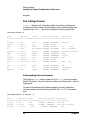
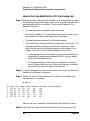
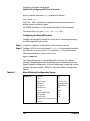
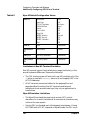
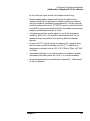
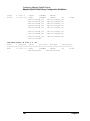
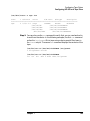
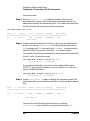
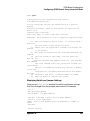
For example, you can add these lines to /etc/syslog.conf:
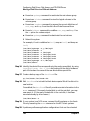
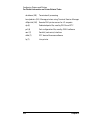
# Log/report messages from the ups_mond
daemon.info
daemon.err
daemon.emerg
daemon.emerg
/usr/adm/daemon_log
/usr/adm/daemon_log
/dev/console
hostname
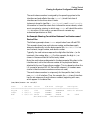
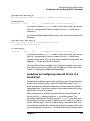
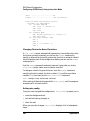
# Log messages from power_onoff
user.err
Chapter 9
/usr/adm/user_log
229