1
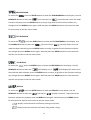
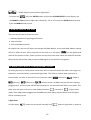
F à F à F à F à F à F à F à Mostly automatic mode, for non professional users, detailed explanation as followings: F à F à F à F à F à F à F à F à F à F à (Notice: Other settings are NOT changed while choosing Defaults Setting!) Press the ENTER button and the corresponding functions will set to defaults setting. To go back to the functions without any changes press the MENU button again. Hold and press the MENU button for one second or wait for one minute to exit the menu mode. RESET To select the , press the ENTER button to show the RESET on the display. Press the ENTER button and all channels of the unit will return to their standard position. 14