1
Touch
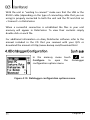
on Calibr. Mode to view all calibration modes. For more
details on each calibration mode, refer to section 2.6 on page 15 of
this manual.
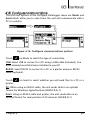
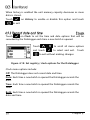
Use the
-
keys to scroll all menu
options and touch
to select.
To exit without making changes touch
.
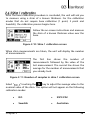
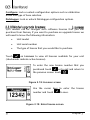
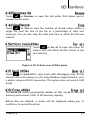
Figure 3.24: Calibration mode menu
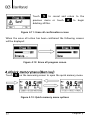
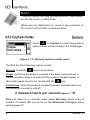
Touch
to adjust the offset value by adding or deducting from the
thickness measurement. This is done to adjust for surface irregularities
and is accepted in the ISO and Australian calibration methods.
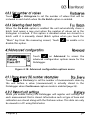
Use the cursor keys to change the offset value
and touch
Touch
to confirm and exit.
to exit without changes.
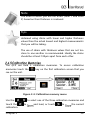
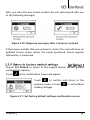
Figure 3.25: Offset adjustment
With short touches on the
key change the sign of the value. For
more information regarding offset adjustment see page 22.
Chapter 3
40