1
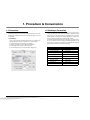
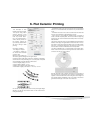
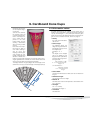
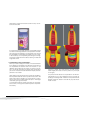
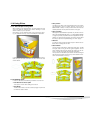
This is a small, shaped object that can be placed on a
flatbed scanner to get a digital image from the deformed grid.
This image will be used for
the manual deformation
which will be explained in
detail more next.
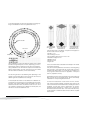
When the scan is placed in a
new document, load the
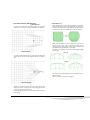
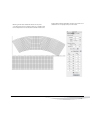
grid that was printed for deformation. Position the scan
in a way that as many unwarped points as possible
are lying on top of their corresponding points on the
scan.
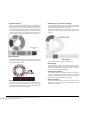
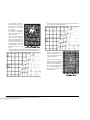
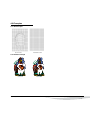
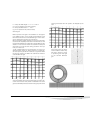
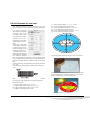
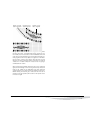
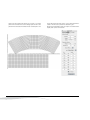
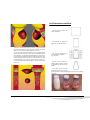
(note for the pictures underneath : 50% black is the TIFF of the
scanned grid, the small 100% black lines are the grid lines)
Use the Modify Grid tool for moving every point to its new position, based on the underlying scan.
Now you will be able to use
this grid by loading it whenever you need to warp this
type of blister pack.
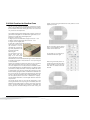
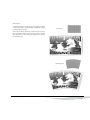
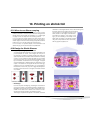
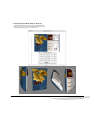
Open a job containing all
artwork, position the ruler at
the top left of the selected
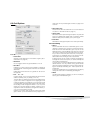
artwork, click the Warp button in the Grid Warp dialog
box to start warping the selected items towards the
destination grid.
— p. 15 —
PowerWarp on ArtPro 8.6