1
9-28
Troubleshooting
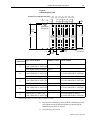
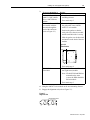
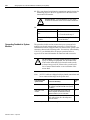
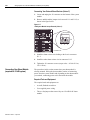
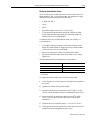
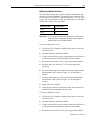
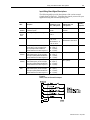
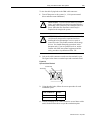
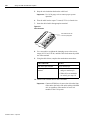
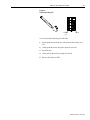
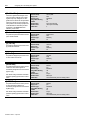
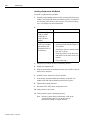
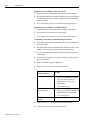
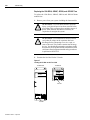
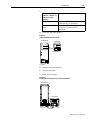
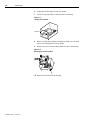
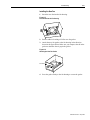
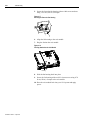
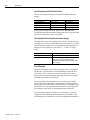
8. Remove the fuse from the fuse holder with the fuse puller tool.
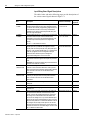
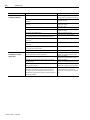
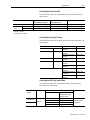
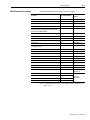
If your 1394-SR9A,
-SR9AF, -SR36A, or
-SR36AF shunt
module:
Has the UL mark
Does not have the UL
mark
Replace the fuse with a:
Bussmann 600V DC 50A fuse
(FWP50A14F) or equivalent.
Bussmann 600V DC 40/50A fuse
(170N2013), FWP50A22F or
equivalent.
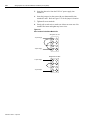
9. Close the door panel.
10. Secure the door panel.
11. Apply power to your system including the shunt module.
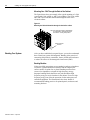
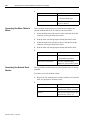
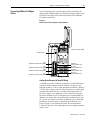
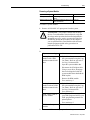
Replacing the AM50 and AM75 Axis
Module Fan
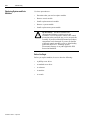
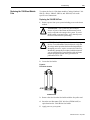
The following procedure provides instructions for removal and
replacement of the 10 and 15 kW axis module (1394x-AM50 and
-AM75) fan using kit number SP-74102-271-01.
Note:
This procedure does not apply to the 1394C-AM50-IH or the
1394C-AM75-IH. The fan in these axis modules are not
customer replaceable.
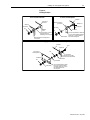
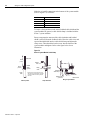
Removing the Fan
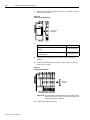
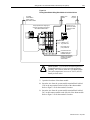
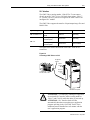
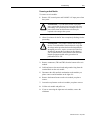
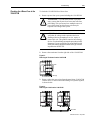
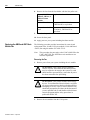
1. Remove power from your system including the axis module.
!
!
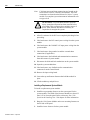
ATTENTION: This system may have multiple
sources of power. More than one disconnect switch
may be required to de-energize the system. To avoid
shock hazard or personal injury, assure that all power
has been removed before proceeding.
ATTENTION: This product contains stored energy
devices. To avoid hazard of electrical shock, verify that
all voltage on the capacitors has been discharged before
attempting to service, repair, or remove this unit.You
should only attempt the procedures in this document if
you are qualified to do so and familiar with solid-state
control equipment and the safety procedures in
publication NFPA 70E.
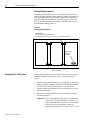
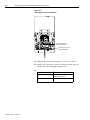
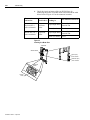
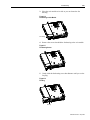
2. Remove the axis module from the 1394 system.
Publication 1394-5.0 — May 2000