1
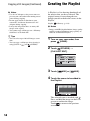
Creating the Playlist (Continued)
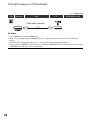
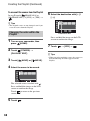
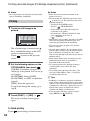
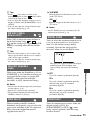
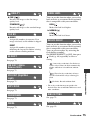
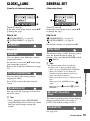
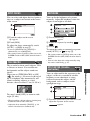
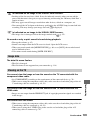
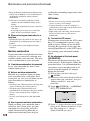
To erase all the scenes from the Playlist
In step 3, touch [
ERASE ALL] or
[
ERASE ALL]t [YES] t [YES] t
.
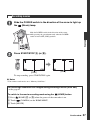
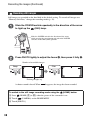
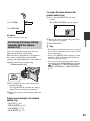
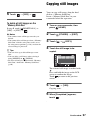
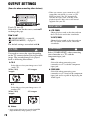
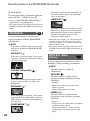
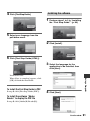
6 Select the destination with [T]/
[t].
z Tips
• The original scenes are not changed even if you
erase the scenes from the Playlist.
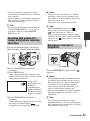
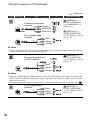
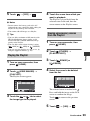
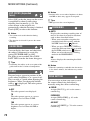
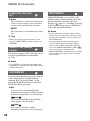
Changing the order within the
Playlist
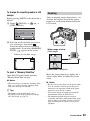
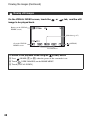
Destination bar
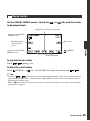
Press and hold the image on the LCD
screen to confirm the image.
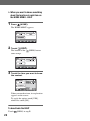
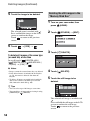
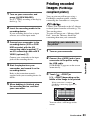
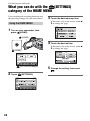
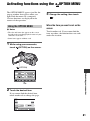
1 Turn on your camcorder, then
press
(HOME).
7 Touch
t [YES] t
.
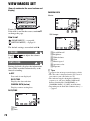
2 Touch
(OTHERS) t
[PLAYLIST EDIT].
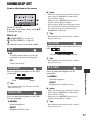
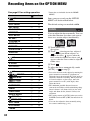
3 Touch [
MOVE] or [
z Tips
MOVE].
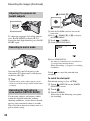
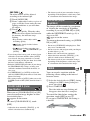
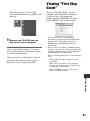
4 Select the scene to be moved.
The selected scene is marked with
.
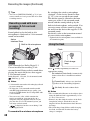
Press and hold the image on the LCD
screen to confirm the image.
Touch
screen.
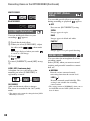
5 Touch
60
to return to the previous
.
• When you select multiple scenes, the scenes are
moved following the order appeared in the
Playlist.