1
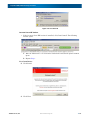
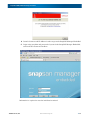
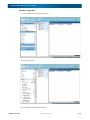
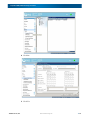
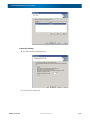
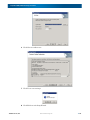
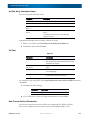
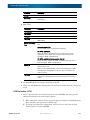
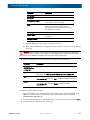
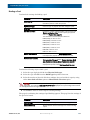
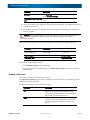
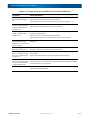
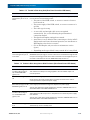
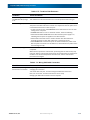
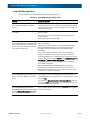
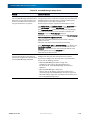
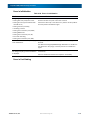
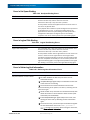
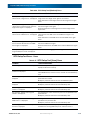
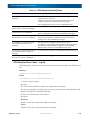
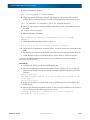
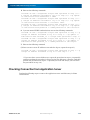
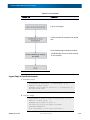
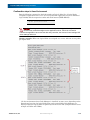
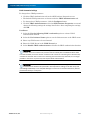
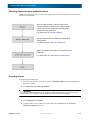
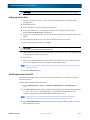
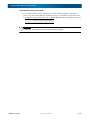
SnapSAN S3000/S5000 Disk Array User Guide Table 6-19. SnapSAN Manager Usage Errors Problem Cause and Solution When access to the disk array is attempted from SnapSAN Manager Embedded Client (Web GUI), the Java icon continues to be shown on the Web browser window and the login window does not appear. The connection may fail when your Web browser is configured to go through a proxy server. In this case, configure the proxy exception of the Web browser so that disk array is connected without going through a proxy server. Follow the steps below. Perform Step 1 through 3 only when Internet Explorer is used. Click Control Panel, and Internet Options. On the Connections tab click LAN Settings to open the LAN Settings dialog box. If the Use a proxy server check box is not selected, the following procedure is not necessary. If this check box is selected, click Advanced to open the Proxy Settings dialog box. Add both the host name and the IP address to the Do not use proxy server for addresses beginning with box. Steps from 4 should be performed if your browser is Internet Explorer or Firefox. Follow the steps below to check the JRE proxy settings Select Control Panel, Java and Network Setting to see whether the User browser settings check box has been selected. If not, click Advanced to add both the host name and the IP address of the connecting destination to the Exceptions box. 5.Exit and restart Web browsers. While a controller failure occurs, it takes A controller failure may cause the delay of processes. time from 20 minutes to 30 minutes to Configure the disk array after restoration of the controller. process the configuration of the disk array If you have to configure the disk array while a controller failure from SnapSAN Manager Embedded. occurs, take the following measure: • When SnapSAN Manager Express is being used Configure the disk array by using ControlCommand. For details of CLI, see SnapSAN Manager CLI Command Reference. • When SnapSAN Manager is being used Remove once the IP address of the faulty controller from a monitoring target of SnapSAN Manager, and restart the server. Add the IP address again after restoration of the controller, and restart SnapSAN Manager Server. 10400386-002 10/2012 ©2012 Overland Storage, Inc 6-14