1
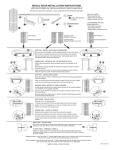
Step 17: To pull all of the settings out of one
controller and put them into another door, press
Fetch Settings.
To put the settings into another controller plug
the Palm into the other controller and press
Push Settings. Note: Push Settings feature
will not work if both doors are not the same or
if the software version between the two doors
is different.
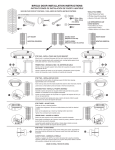
Step 18: Press Summary Listing to view all
current settings for Motor 1 and Motor 2.
Step 19: Review the information on the
summary listing.
© 2005, THE STANLEY WORKS. ALL RIGHTS RESERVED.
204027
Rev. C, 11/9/05
15 of 31